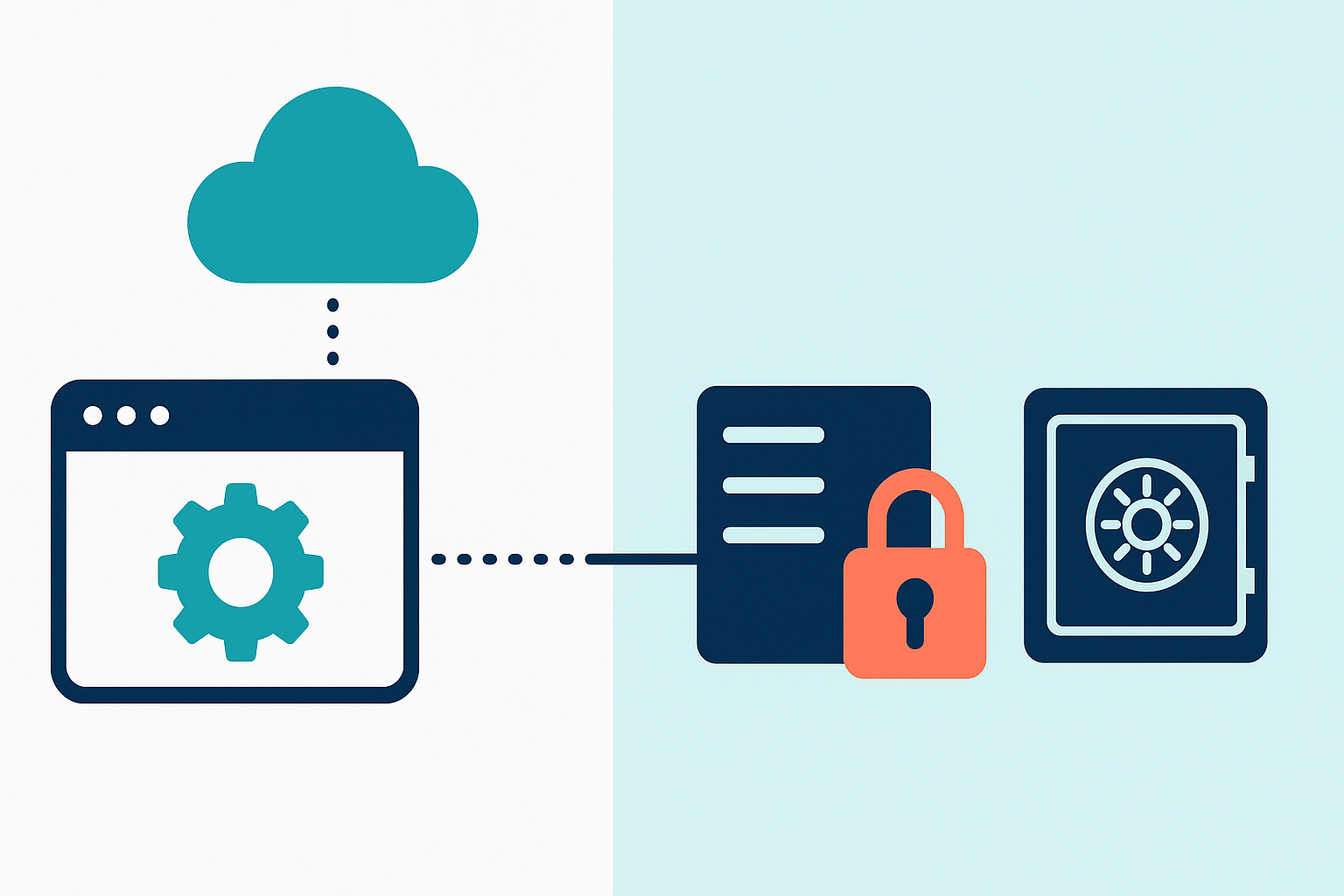
Quick verdict: BlogVault is a polished, plugin-based backup tool billed annually only, with per-site cost climbing fast for agencies. BackupYourSite is agentless (SSH, no plugin), billed flat monthly, and priced for agency economics — including a 30-site white-label tier at $75/month.
If you manage more than a handful of WordPress sites, you've probably looked at BlogVault. It's a well-known name in the space, with a polished dashboard and staging tools agencies like. But two things about it catch most buyers off guard once they're past the sales page: every plan is billed annually only, and the per-site cost climbs steeply the moment you're managing a real client roster instead of one blog.
This article compares BlogVault's actual current pricing and backup mechanics — verified directly from blogvault.net — against BackupYourSite's agentless, SSH-based approach, so you can see exactly where the trade-offs are before you commit a year of budget to either one.
Quick Answer
BlogVault is a cloud-hosted WordPress plugin that pushes incremental backups to its own EU-based servers. It's sold in three tiers — Personal, Business, and WooCommerce — all billed annually, starting at $99/year for one site and scaling to $1,499/year for five sites on the top tier. BackupYourSite is an agentless, SSH-based backup service with no plugin running on your site, billed flat monthly, and priced for agency economics — including a white-label tier covering 30 sites for $75/month. If you want a dashboard-first tool with staging environments and don't mind prepaying a year, BlogVault fits. If you want backups fully decoupled from WordPress itself, monthly billing, and predictable per-site cost as your site count grows, BackupYourSite is the better structural fit.
How BlogVault Actually Works
BlogVault installs a plugin on your WordPress site. That plugin talks to BlogVault's cloud service, which stores incremental backups on its own infrastructure — the company states backups are "encrypted & stored on our servers within EU." Restores are one-click from the BlogVault dashboard, and the service includes staging environments whose duration varies by plan.
The mechanism matters for one specific reason: the backup agent is a WordPress plugin, which means it runs inside the same PHP execution environment, the same plugin/theme conflict surface, and the same site that a hack, a bad update, or a resource-limited host could take down. If the site is compromised or PHP execution is disabled by the host during an incident, the plugin itself can be affected at exactly the moment you need it working.
BlogVault Pricing — Verified Current Plans (blogvault.net/pricing)
| Plan | 1 Site (annual) | 5 Sites (annual) | Storage | Backup Frequency | Staging |
|---|---|---|---|---|---|
| Personal | $99/yr | $299/yr | 20 GB | Daily automatic | 1 day |
| Business | $299/yr | $899/yr | 50 GB | Twice daily | 30 days |
| WooCommerce | $499/yr | $1,499/yr | 100 GB | Real-time / hourly | 6 months |
A few things worth calling out about that table:
- Every plan is annual-only. There is no monthly billing option on any tier — you commit to a full year upfront, and cancellation mid-term does not refund unused months beyond BlogVault's stated 14-day refund window.
- Per-site cost does not scale down cleanly for agencies. Five sites on the Business plan is $899/year — roughly $180/site/year, or $15/site/month — and that's before factoring in Fortify (BlogVault's malware-scanning add-on), which is priced separately at $499/year per site on its paid tier.
- Multisite support is capped by plan, not by an open agency tier — 25 subsites on Business, 100 on WooCommerce — so a growing agency roster eventually forces an upgrade to a materially more expensive plan even if backup needs haven't changed.
How BackupYourSite Works
BackupYourSite takes a structurally different approach: there is no plugin installed on your WordPress site at all. Backups run over SSH, connecting directly to the server's filesystem and database — the same access level a sysadmin would use — and copying the site to offsite storage that is fully independent of the site's own infrastructure.
That has two direct, practical consequences:
- No plugin footprint. Nothing runs inside WordPress's PHP process, so there's no plugin-conflict risk, no extra load on the site's own resources during a backup, and no backup agent that can be knocked out by the same event that's threatening the site (a hack, a fatal plugin update, a host-side PHP limit).
- Backups exist independently of WordPress admin access. Because the connection is SSH-level, a backup can still be pulled even if wp-admin is locked out, defaced, or the WordPress install itself is broken — a scenario where a plugin-based backup tool is often unreachable.
Side-by-Side: BlogVault vs BackupYourSite
| BlogVault | BackupYourSite | |
|---|---|---|
| Backup method | WordPress plugin → cloud storage | Agentless, direct SSH → offsite storage |
| Runs inside WordPress? | Yes (plugin/PHP execution) | No — never touches the CMS/PHP layer |
| Billing cycle | Annual only | Flat monthly |
| Entry price | $99/year (1 site, 20 GB) | Flat monthly per-site pricing, no annual lock-in |
| Agency/multi-site tier | Capped multisite counts by plan tier | White-label tier: 30 sites for $75/month |
| Cost as site count grows | Scales up in plan jumps ($299 → $899 → $1,499/yr) | Scales linearly per site at flat monthly rate |
| Security add-on cost | Fortify malware scanning: $499/year per site (paid tier) | N/A — backup and security are handled separately by design |
| Restore during a WP-admin lockout | Depends on plugin/dashboard reachability | Works via SSH regardless of wp-admin state |
| Contract flexibility | 14-day refund window only | Month-to-month, no annual commitment |
Why the Annual-Only Structure Matters for Agencies
This is the part that's easy to miss when you're evaluating a single site: BlogVault's pricing model asks you to predict, a year in advance, exactly how many client sites you'll be managing and which plan tier they'll need. Agencies rarely have static rosters — clients churn, new sites onboard mid-year, and a site that outgrows the storage or subsite cap on one plan forces an early, non-prorated upgrade to the next tier.
A flat monthly structure avoids that prediction problem entirely. You pay for what you're managing this month, and adding or dropping a site doesn't mean waiting out a 12-month commitment or eating a plan-tier jump you didn't need three months ago.
Per-Site Economics: A Realistic Agency Scenario
Take an agency managing 30 client WordPress sites:
- On BlogVault's Business plan, 30 sites exceeds the 25-subsite multisite cap, pushing the agency toward the WooCommerce tier or multiple separate subscriptions — either way, a cost that lands well above $1,500/year, paid upfront, before any per-site Fortify add-on.
- On BackupYourSite's white-label tier, 30 sites is $75/month flat — $900/year, billed monthly, with no upfront annual commitment and no plan-tier cliff to worry about as the roster changes.
The gap isn't just about the headline number — it's about who is carrying the forecasting risk. With annual billing, the agency carries it. With flat monthly, the vendor does.
Backup Frequency and Storage Model: What Actually Changes Between Tiers
BlogVault ties backup frequency directly to plan tier, which is a detail that matters more than it looks on a feature-comparison chart. On the Personal plan, backups run once a day. Move to Business and you get twice-daily backups. Only the WooCommerce plan — the most expensive tier, aimed at stores with constantly changing order and inventory data — gets real-time, hourly-customizable backups. That means a Business-tier agency client running a busy content site or a small storefront is still limited to two backup points a day unless the agency pays for the top tier on that specific site.
Storage follows the same tier-locked pattern: 20 GB on Personal, 50 GB on Business, 100 GB on WooCommerce. A media-heavy site that outgrows its storage allotment doesn't get an à la carte storage add-on — it forces a plan upgrade for that site, which usually means upgrading the whole multisite group it's billed under.
BackupYourSite's model separates these concerns from a rigid tier ladder. Because backups aren't gated behind a WordPress plugin's own scheduling logic, the frequency and retention approach is set to match how the site is actually used rather than which price tier it happens to sit on — without the same all-or-nothing jump in cost that comes from a single site outgrowing its storage cap on BlogVault.
Migrating Off BlogVault: What to Expect
If you're mid-contract with BlogVault and evaluating a switch, the annual billing structure is the main friction point — you're not going to get a prorated refund for unused months outside the 14-day window, so the practical move is usually to let the current term run out while standing up the new backup pipeline in parallel, rather than trying to migrate everything on the exact day the old plan is paid through.
Because BackupYourSite doesn't require installing anything inside WordPress, setup runs alongside an existing BlogVault plugin without conflict — there's no need to uninstall BlogVault first, and no shared hook or database table to worry about colliding. Most agencies run both in parallel for one full backup cycle, confirm the SSH-based backups are restoring cleanly, and then let the BlogVault subscription lapse at renewal instead of cancelling mid-term.
Questions to Ask Before Committing to Either Tool
A few questions cut through most of the marketing copy on both sides:
- How many sites will I actually be managing in 12 months, not just today? BlogVault's annual pricing bets on that number staying inside your current plan's subsite cap. If you expect growth, price out the next tier up before signing, not after.
- What happens to my backups if wp-admin gets locked out or the site is compromised? This is the single biggest mechanical difference between a plugin-based tool and an SSH-based one, and it's worth testing with a live restore drill on a staging site rather than taking either vendor's word for it.
- Am I paying for security scanning I don't need, or paying separately for security I do need? BlogVault bundles a free basic Fortify tier and up-sells hourly scanning per site; if your agency already runs a separate security/monitoring stack, that add-on cost may be redundant either way.
- Does the billing cycle match my client billing cycle? Agencies that invoice clients monthly but pay their backup vendor annually are carrying a cash-flow mismatch that a flat monthly vendor removes.
Frequently Asked Questions
Does BlogVault offer monthly billing?
No. As of the current pricing published on blogvault.net, all three plans — Personal, Business, and WooCommerce — are sold as annual subscriptions only. There is no monthly-pay option on any tier.
Is BlogVault a plugin-based or agentless backup tool?
BlogVault is plugin-based. It installs a WordPress plugin that communicates with BlogVault's cloud service to run incremental backups. This is different from an agentless, SSH-based approach where no code runs inside the WordPress installation itself.
How does BackupYourSite back up a site without a plugin?
BackupYourSite connects directly over SSH to the server hosting the site, copying the filesystem and database to offsite storage. Because it doesn't rely on a WordPress plugin or PHP execution inside the site, it isn't affected by plugin conflicts, PHP resource limits, or a compromised wp-admin.
What does BlogVault's Fortify security add-on cost?
BlogVault's paid Fortify tier — hourly malware scanning, instant cleanup, and expert response — is priced at $499/year per site, separate from the base backup plan pricing.
Can I restore a site if I can't log into WordPress admin?
With a plugin-based tool like BlogVault, restore access generally depends on the plugin and dashboard being reachable. With BackupYourSite's SSH-based approach, restores don't depend on WordPress admin access at all, since the backup and restore path never goes through the CMS layer.
Is there an agency or white-label plan for managing many sites?
BackupYourSite offers a white-label tier covering 30 sites for $75/month, billed monthly with no annual lock-in. BlogVault's multisite support is tied to specific plan tiers (up to 25 subsites on Business, up to 100 on WooCommerce), which can require an early upgrade as an agency's site count grows.
The Bottom Line
BlogVault is a capable, well-built tool, and its staging environments and dashboard are genuinely useful for agencies that want an all-in-one WordPress-native experience. But its pricing structure — annual-only billing, plan-tier jumps tied to subsite caps, and a per-site security add-on — asks agencies to commit and predict a year at a time.
BackupYourSite is built around a different bet: that backups should sit completely outside the CMS they're protecting, and that agencies managing a changing roster of client sites shouldn't have to lock in a year of spend to get there. If that structural difference — agentless SSH backup, flat monthly pricing, and a $75/month tier for 30 sites — matches how your agency actually operates, it's worth a direct comparison against whatever BlogVault plan you'd otherwise be sizing up.