Migrations and Site Moves
A move is the riskiest day in a site's life: files, database and DNS all change at once. These posts cover a host move with little or no downtime, a domain change that keeps search rankings, and the database detail (serialized data) that breaks many search-and-replace jobs.
Migration plugins are good at one-time moves, but they are not backup tools. The comparisons here show where each one stops, so you know to keep a separate backup before you move.

Moving WordPress Hosts With No Downtime
A zero-downtime WordPress migration runbook: pre-flight inventory, out-of-band file and DB copy, checking the new server before DNS moves, and a rollback plan.
Read article →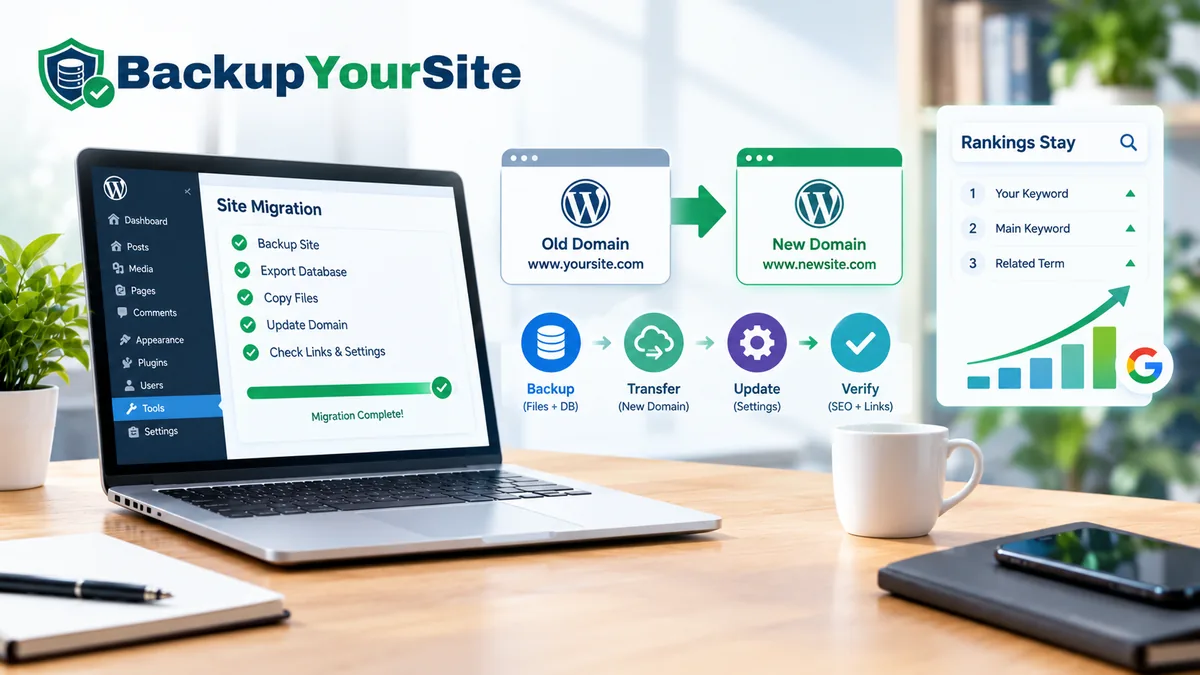
Move a WordPress Domain Without Losing Rank
A step-by-step runbook for a WordPress domain migration: backups, safe search-replace, 301 redirects, GSC Change of Address, and email DNS records.
Read article →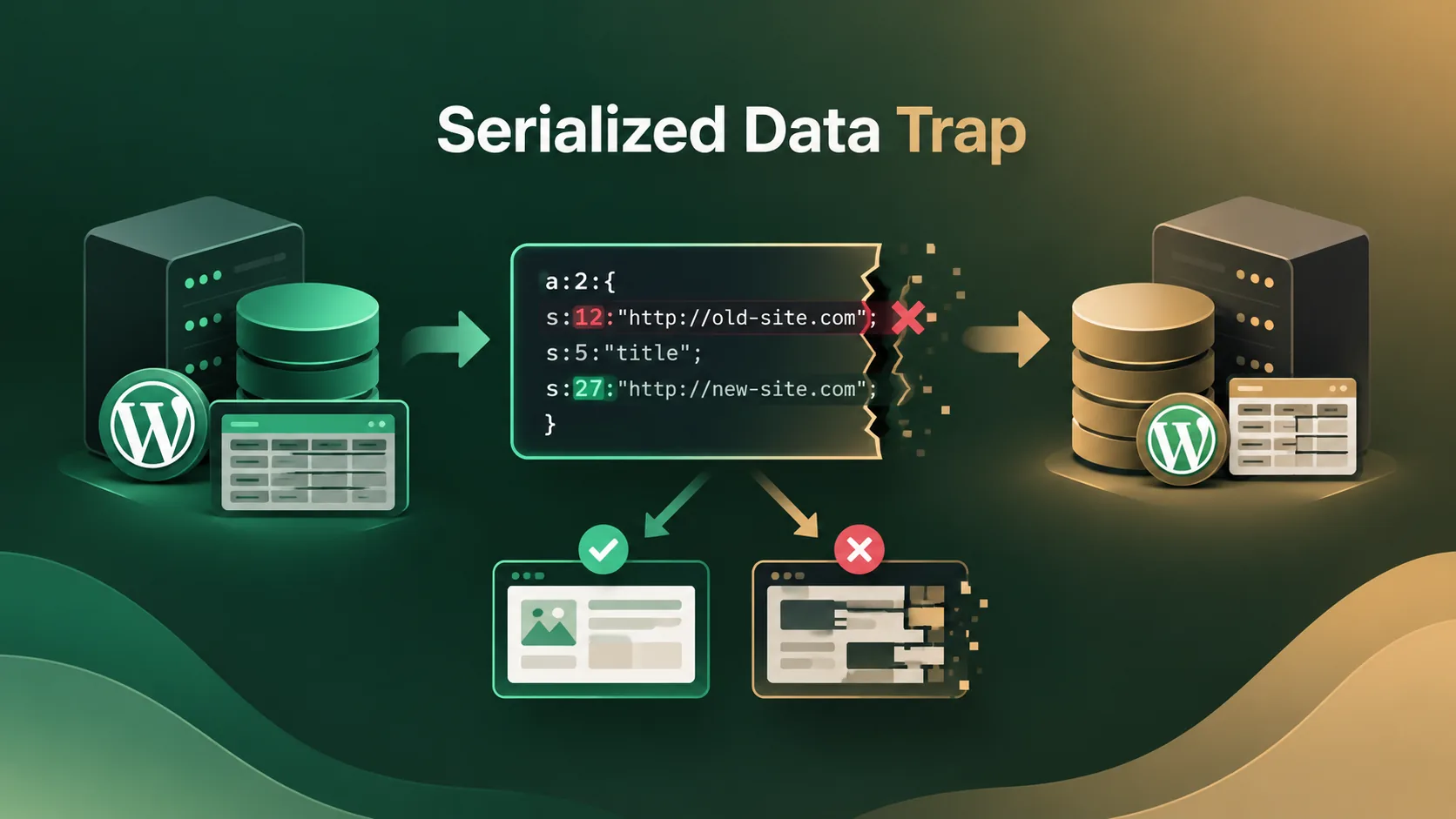
The Serialized-Data Trap in WP Migration
A find-and-replace for a WordPress migration corrupts serialized data. See the byte-length trap, the safe tools, and a post-import checklist.
Read article →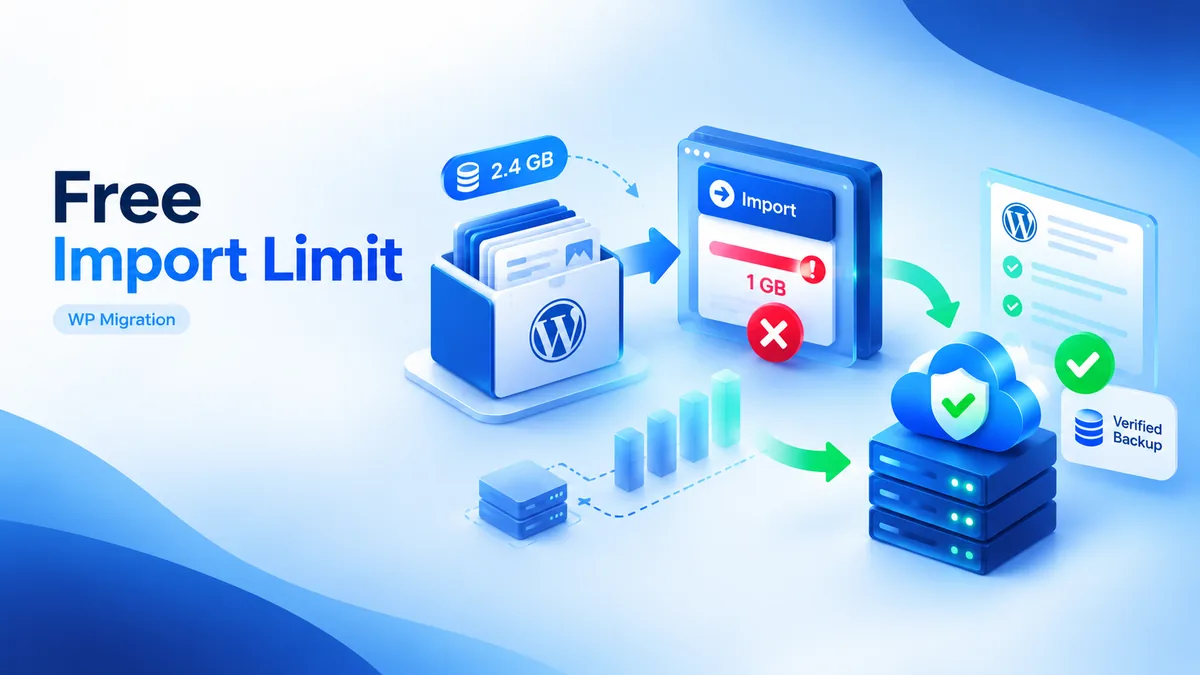
All-in-One WP Migration's Free Limit
Why All-in-One WP Migration rejects your import, who actually sets the size limit now, how to raise it safely, what the paid fixes cost, and when to stop.
Read article →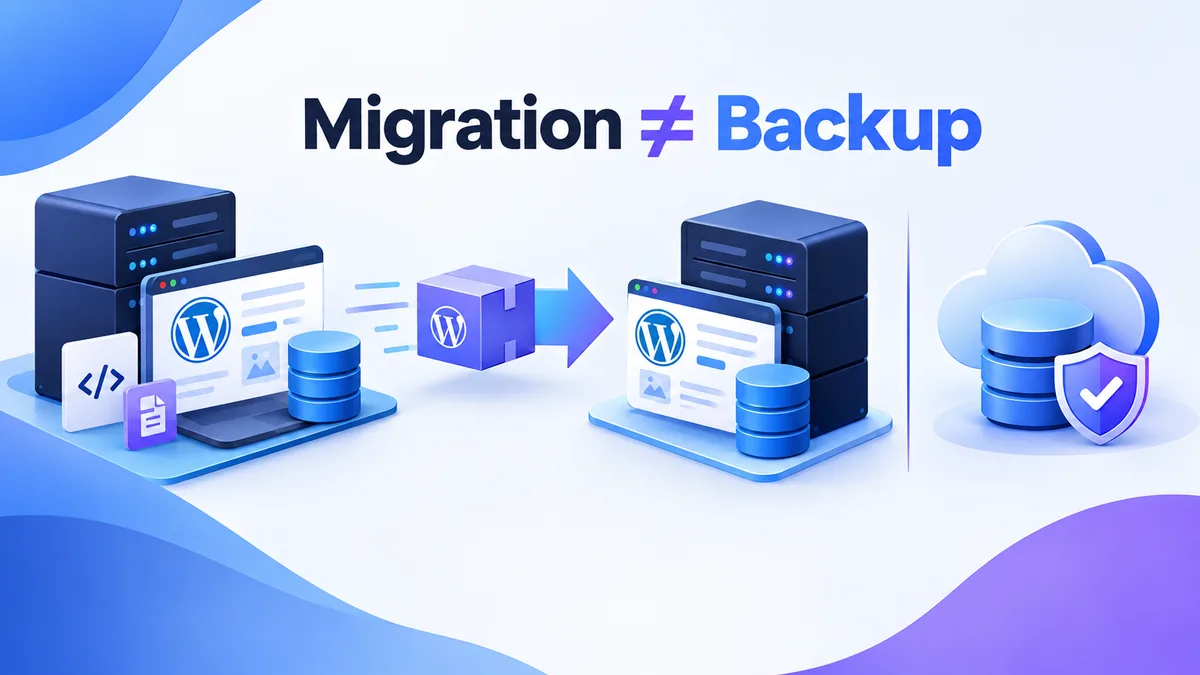
Duplicator: A Migration Tool, Not a Backup
Duplicator plugin WordPress review: why its installer.php leftover is a security risk, and where it falls short as a real backup solution.
Read article →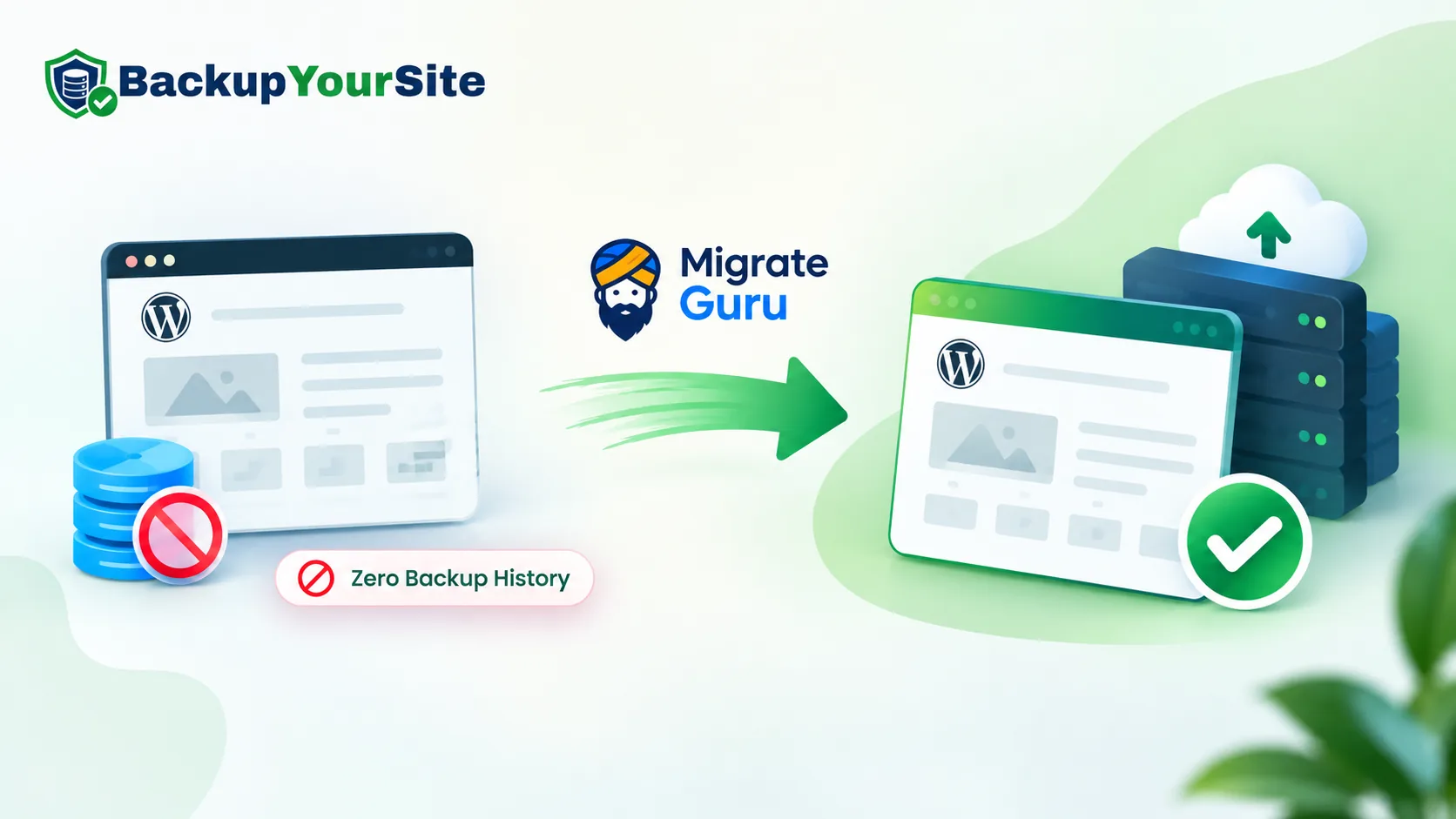
Migrate Guru: Free Move, Zero Backup History
Migrate Guru moves your WordPress site free, but it keeps no backup history. What it does well, its real limits, and what to set up right after.
Read article →
What a WordPress Migration Service Buys You
A buyer's checklist for a WordPress migration service: nine scope items to get in writing, where fixed quotes break, and three red flags that predict a redo.
Read article →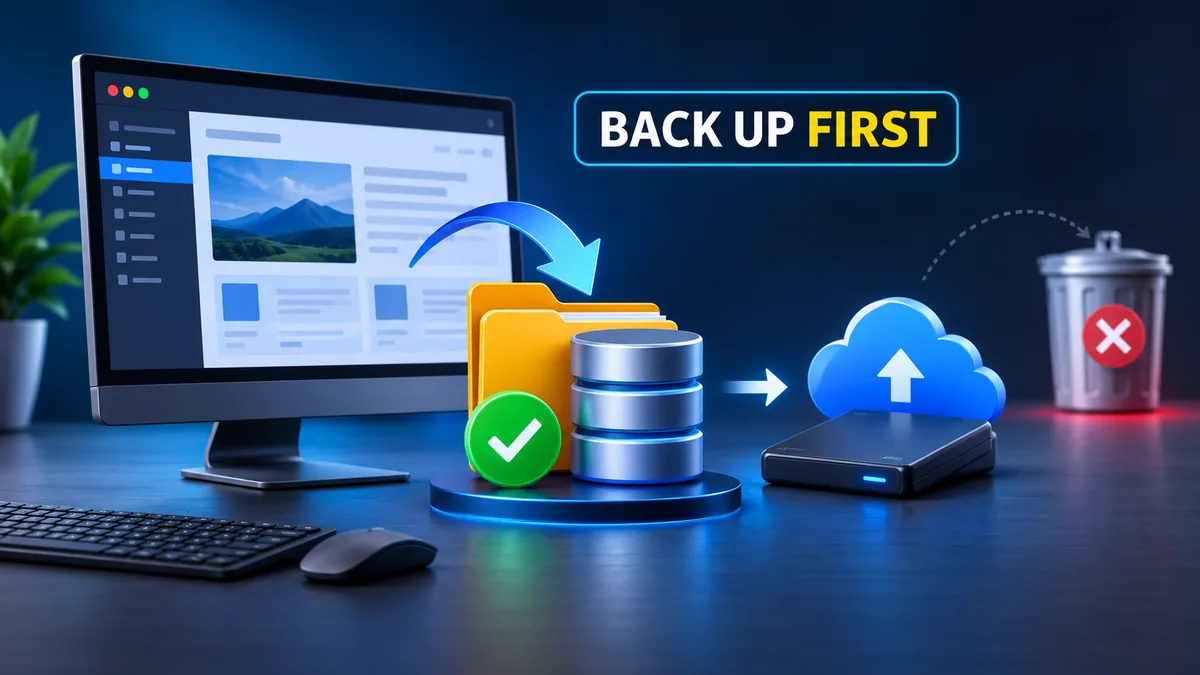
Deleting a WordPress Site? Keep One Copy
How to delete a WordPress site on WordPress.com or your own host, plus the one full copy to keep first and what else goes with the hosting account.
Read article →Want backups that are checked before they count?See how BackupYourSite works.