Host Backups, SSH and Access
Most hosts include some kind of backup, and most of them stop short of what a site owner assumes. Size caps, short retention, backups that live in the same account as the site, and limits on shell access are the usual surprises.
These posts go host by host, citing each host's own documentation, and explain how SSH and SFTP work for backups on platforms that restrict plugins or root access. Does My Web Host Back Up My Site? is the best place to begin.
Does My Web Host Back Up My Site?
Does your web host back up your site? Yes, but how long, how big, and what survives a cancelled account differs by host. Current figures for 8 hosts.
Read article →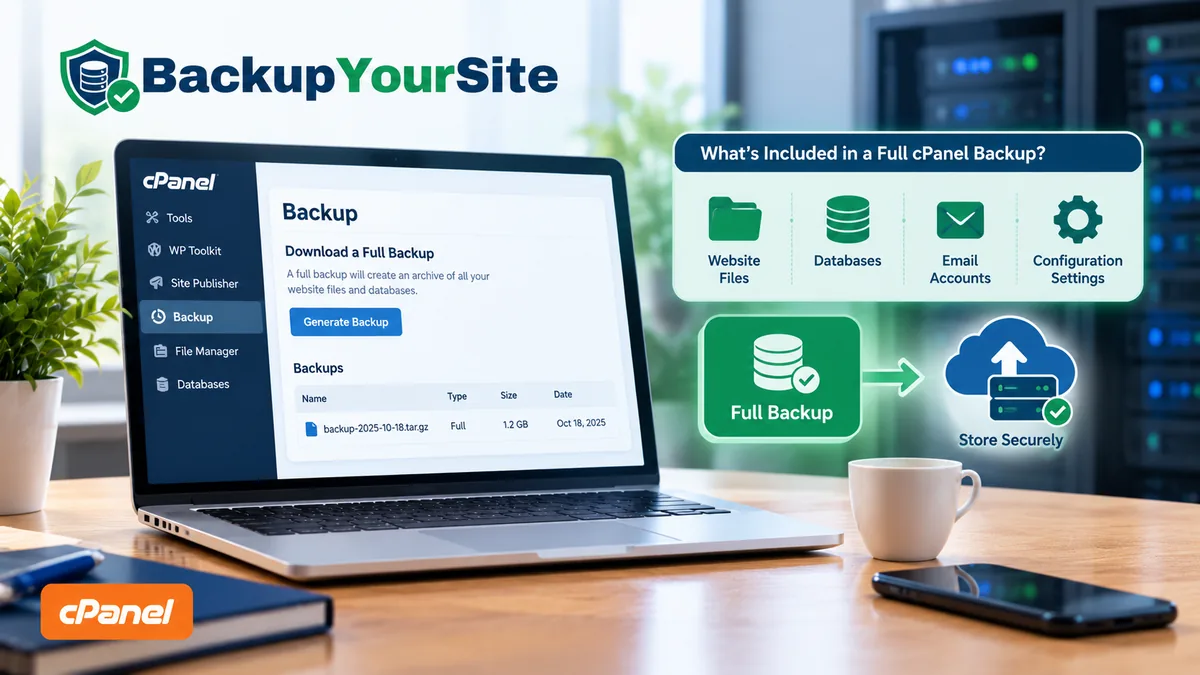
cPanel Full Backup: What It Covers
A cPanel Full Backup looks complete, but it defaults to the same server. See what it covers, how restores really work, and how to get a verified offsite copy.
Read article →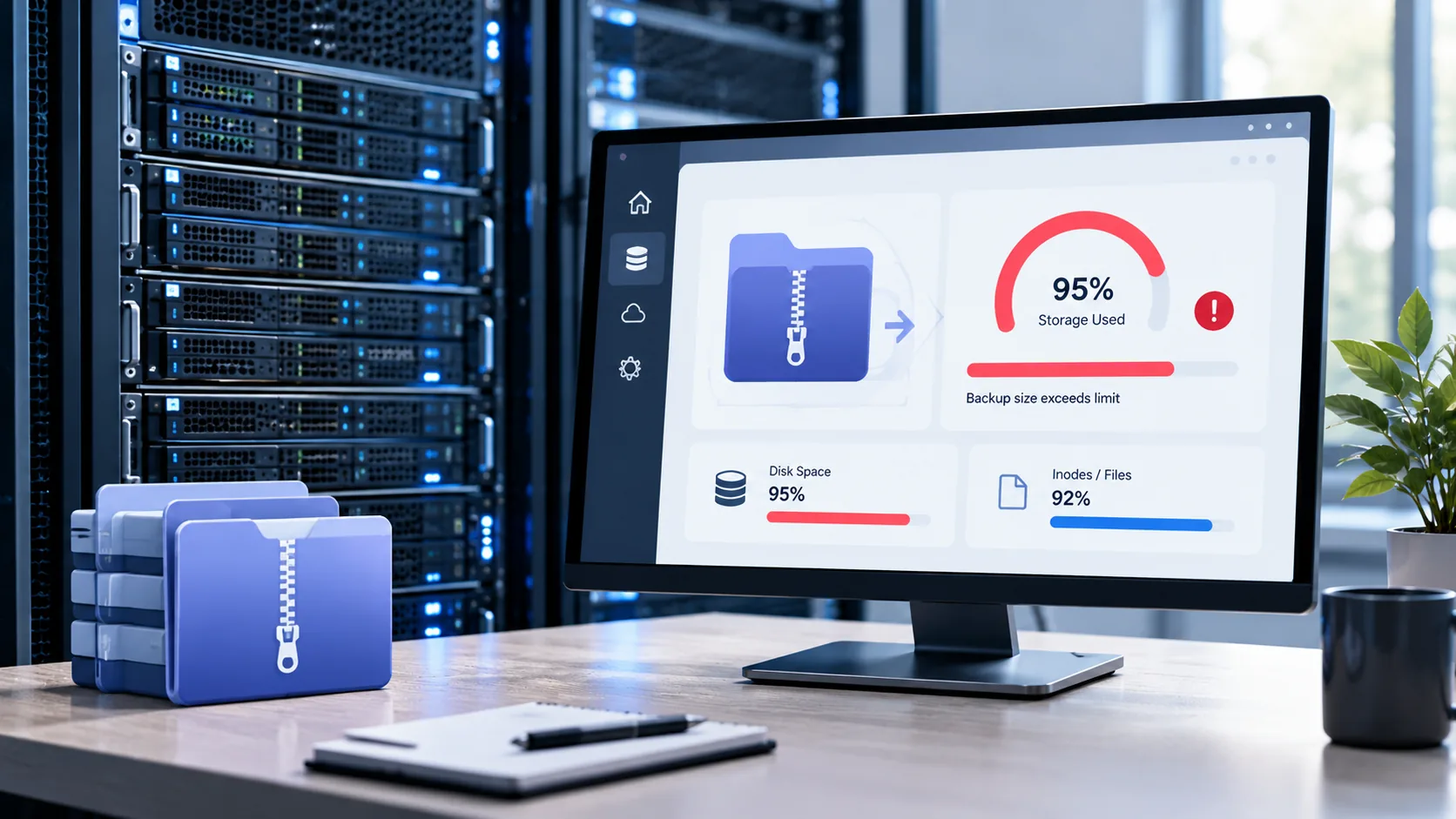
HostGator, Namecheap & Plesk Size Caps
HostGator, Namecheap, and Plesk all back up your WordPress site automatically — but each one caps the free backup by size. Here is where those limits sit.
Read article →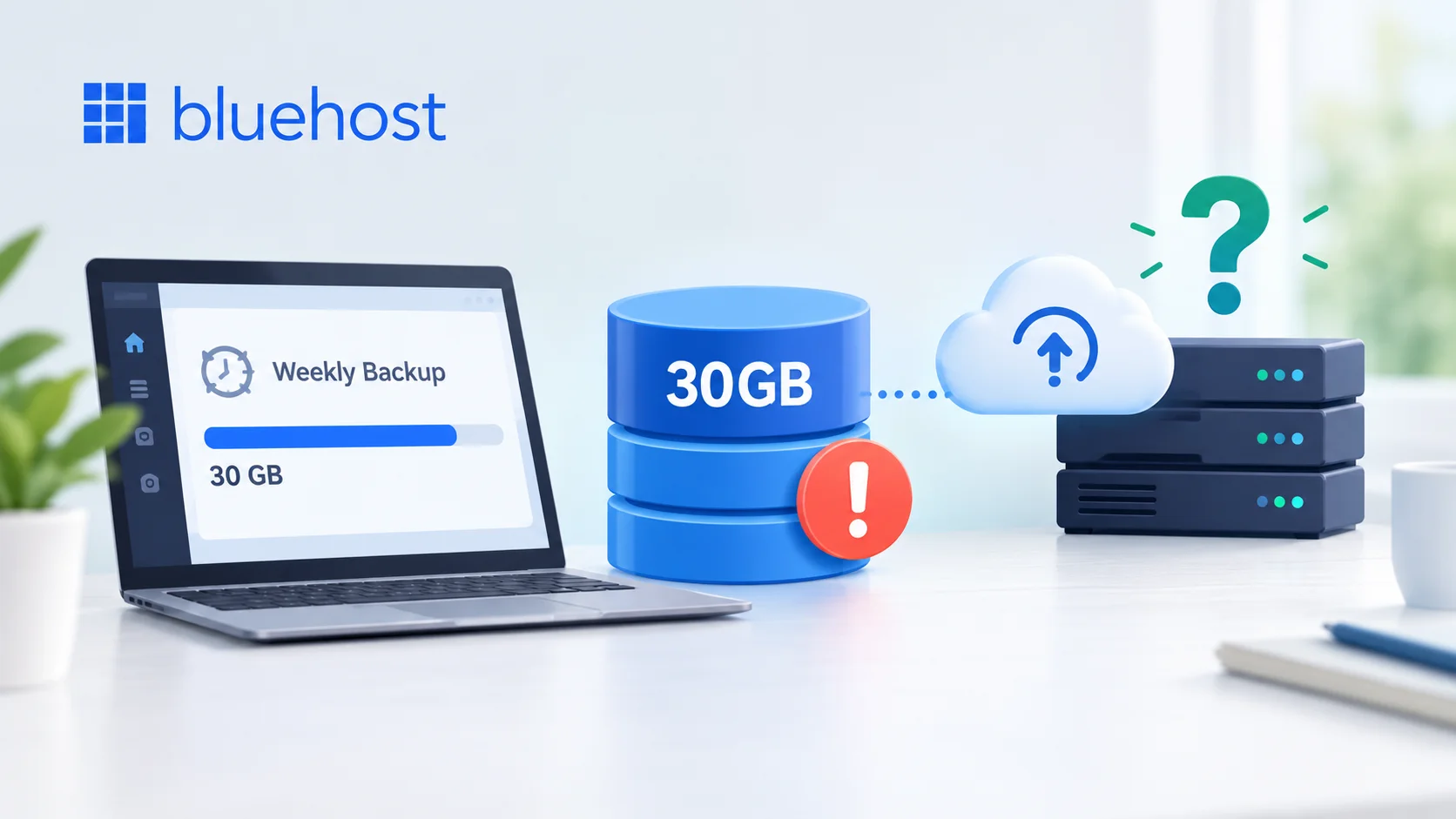
Bluehost's Backup Caps at 30GB — Then What?
Bluehost's free backup only covers sites under 30GB and newer accounts. Here's what the cap means, and how to close the gap with an offsite backup.
Read article →
A DigitalOcean Backup You Can't Download
A DigitalOcean Droplet Backup can't be downloaded or exported. Why, the WordPress database gap it leaves, and the off-host backup layer that closes it.
Read article →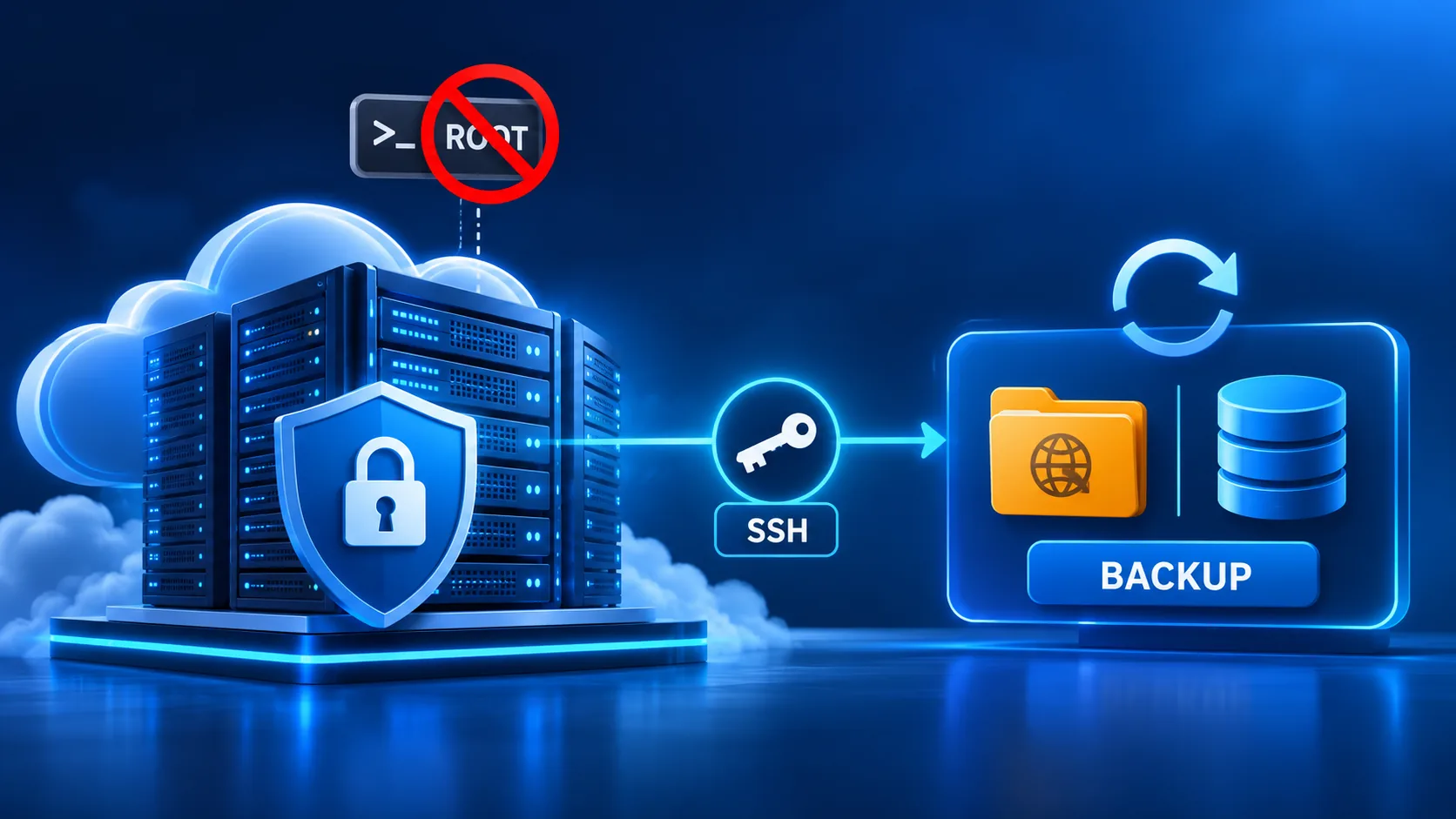
Cloudways Backup Without Root Access
Cloudways denies root access by design. See why, and how BackupYourSite backs up and restores your site fully over non-root SSH.
Read article →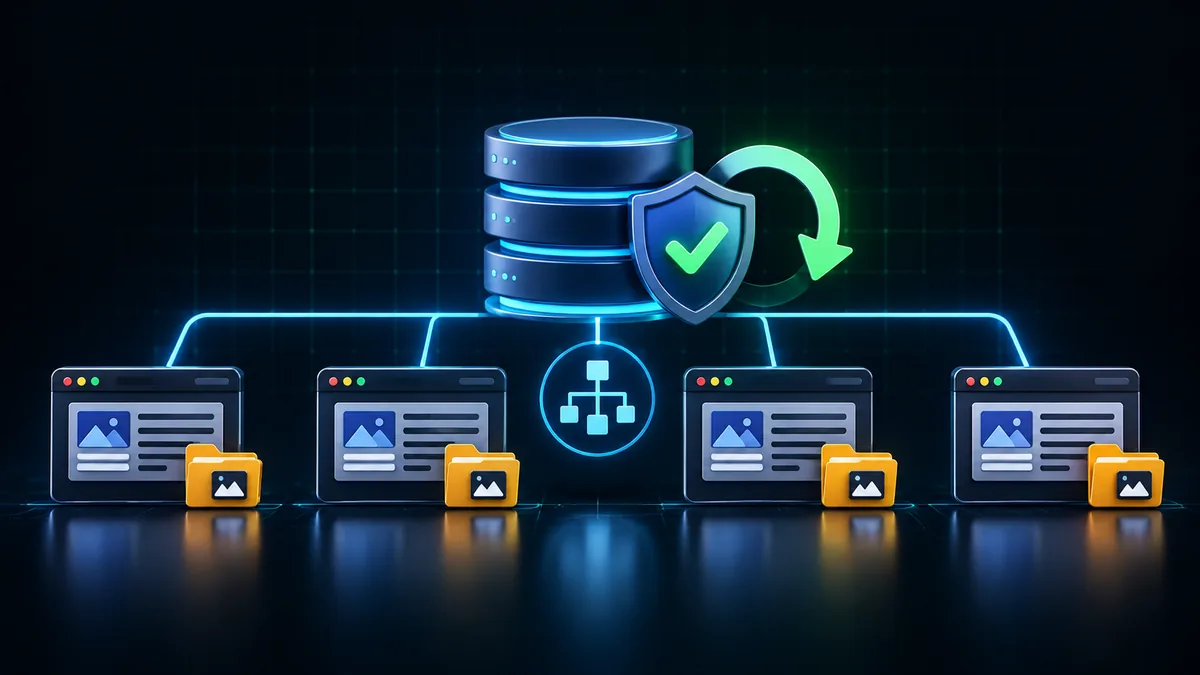
Kinsta Bans Backup Plugins: Use SSH Instead
Kinsta bans backup plugins, but SSH and SFTP are included on every plan. Here's why an outside SSH backup isn't a plugin, and how to set it up.
Read article →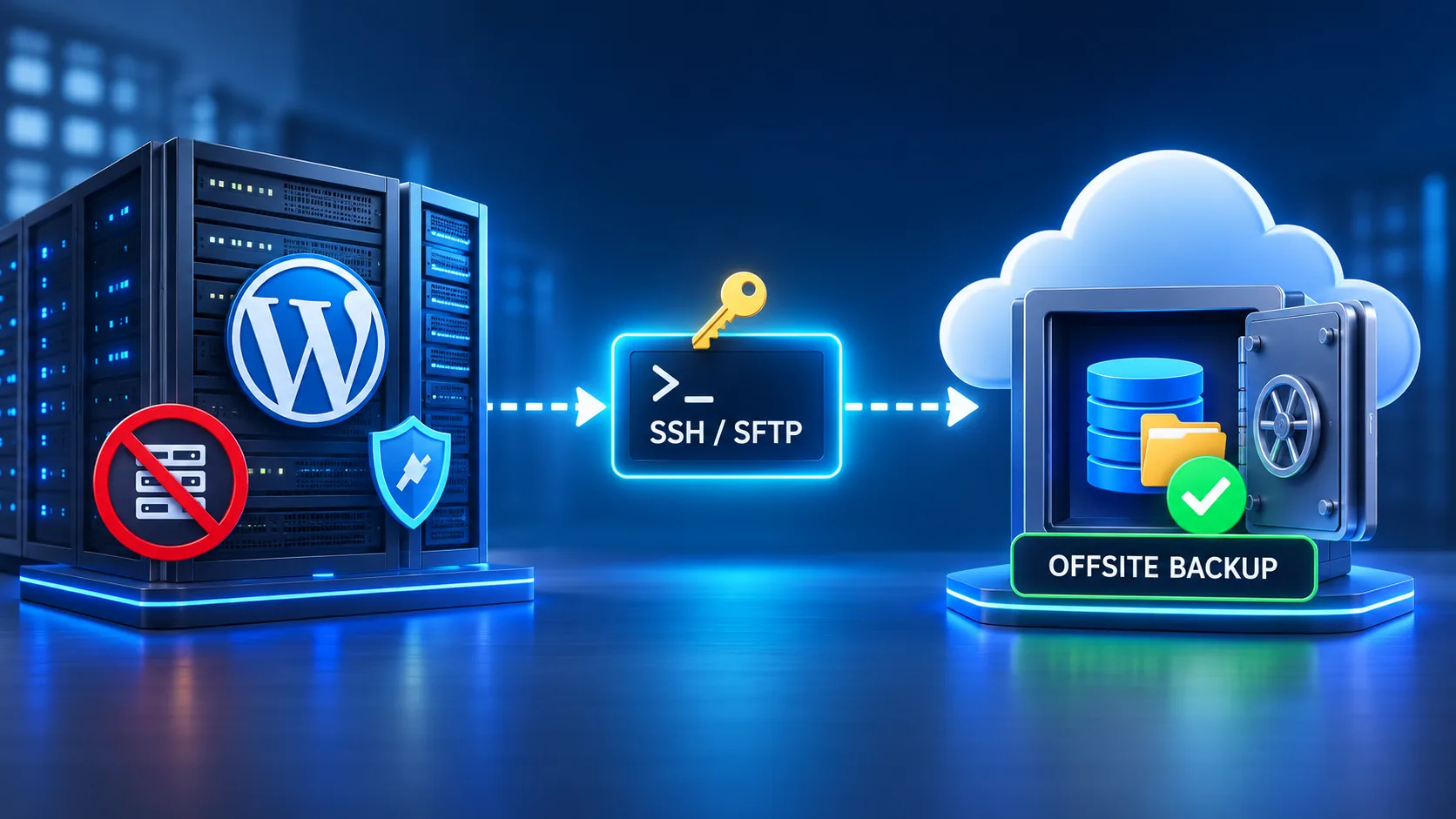
WP Engine Backup Without Direct Server Access
WP Engine blocks direct server access by design. Here's how BackupYourSite connects anyway, using WP Engine's own SSH Gateway, and how to set it up.
Read article →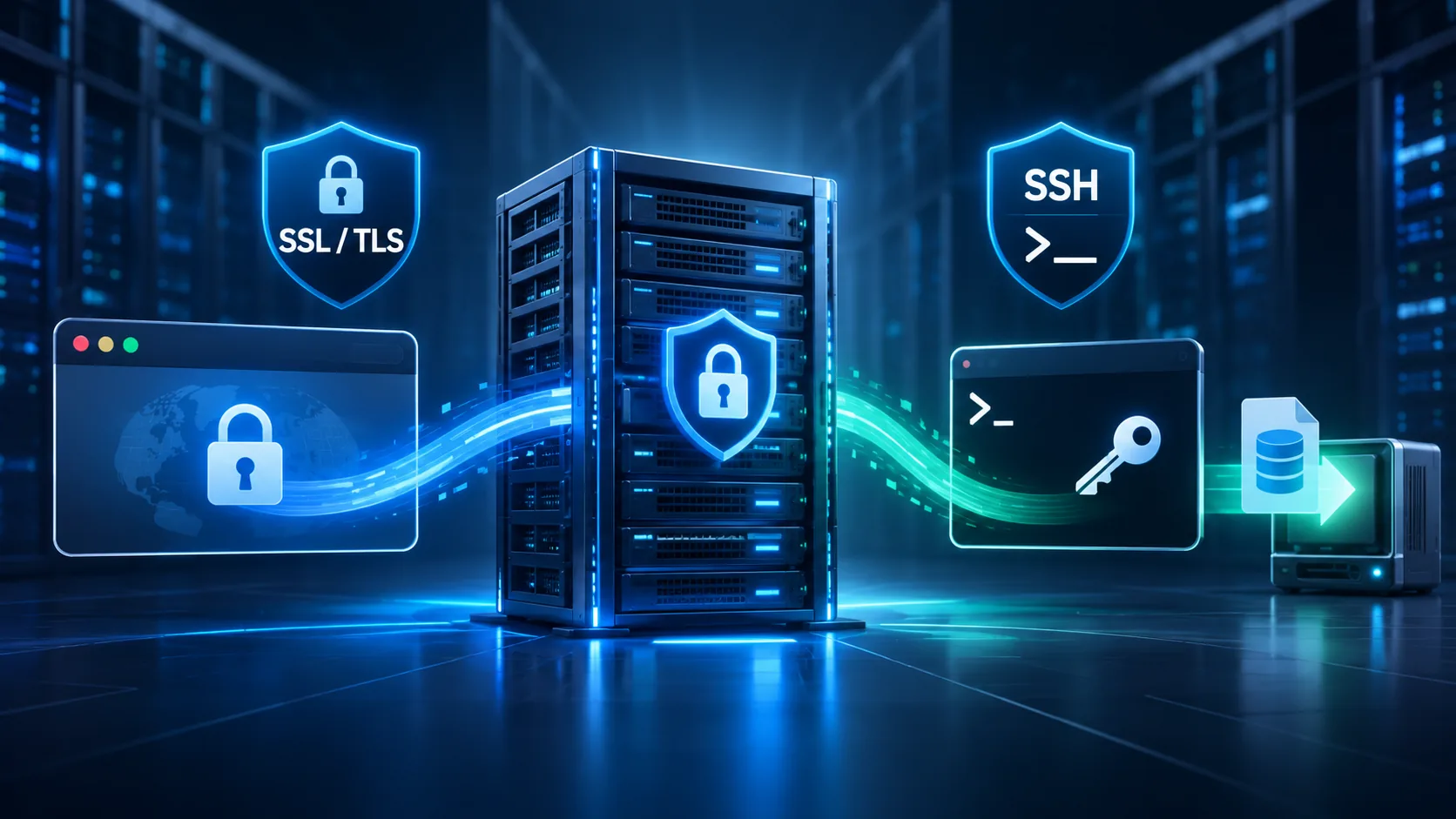
SSH vs SSL: What a Backup Tool Needs
SSH vs SSL explained for site owners: SSL/TLS protects visitors, SSH logs you into the server. Why a backup tool needs SSH access and never your certificate.
Read article →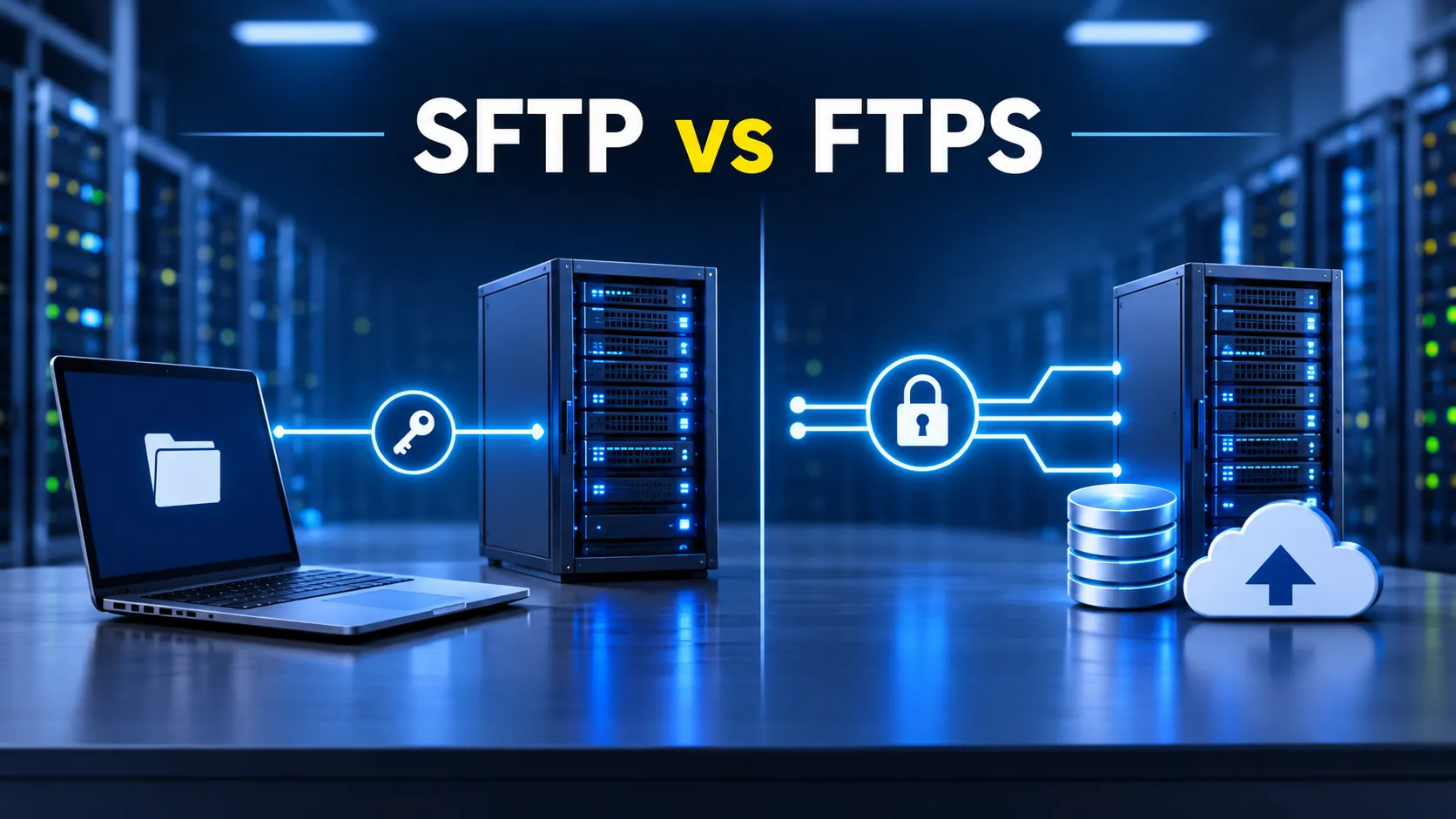
SFTP vs FTPS for Website Backups
SFTP vs FTPS for website backups: ports, keys, firewalls, and the database dump neither protocol can make on its own. Which one to pick.
Read article →Want backups that are checked before they count?See how BackupYourSite works.