Backup Basics and Strategy
A backup is only worth having if you can restore from it. This section covers the basics in plain terms: what a WordPress backup includes (the files and the database, not just one of them), how often to take one, where the copies should live, and how long to keep them.
Start with What Is a WordPress Backup? if the term is new. If you already run backups, the posts on schedules, offsite copies and retention show where setups tend to leave gaps, and the ones on export, staging and revisions explain the features that look like backups but are not.

What Is a WordPress Backup?
A WordPress backup is a copy of your site's files and database, stored somewhere separate, that lets you restore your site if it's ever lost, hacked, or broken.
Read article →
How Often Should You Back Up WordPress?
There's no single right answer for backup frequency. Here's how to decide, based on how often your content changes and what you'd lose in a worst case.
Read article →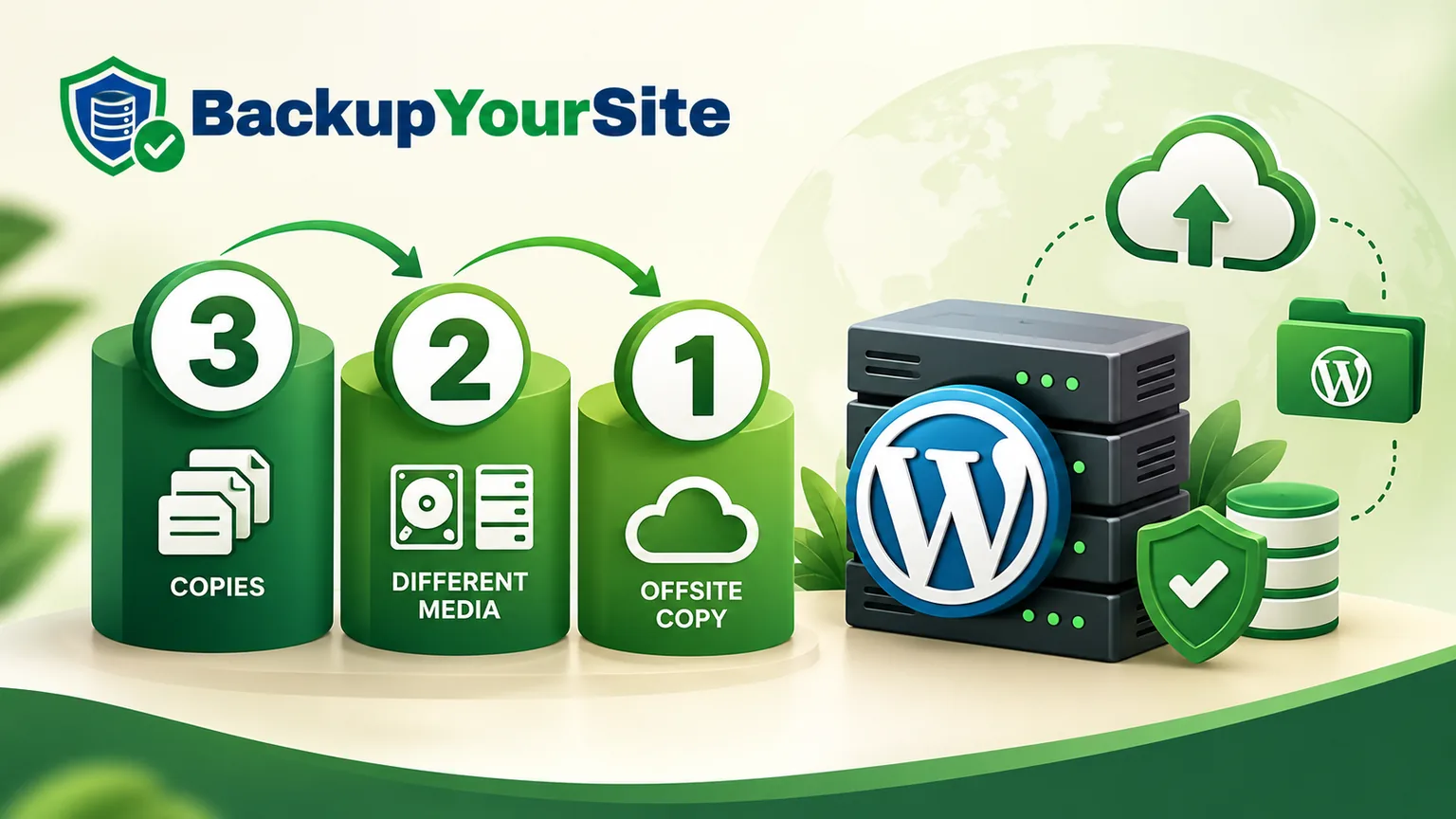
The 3-2-1 Backup Rule, Applied to WordPress
See where the 3-2-1 backup rule actually breaks on a WordPress site, digit by digit, plus a 10-minute self-audit scorecard.
Read article →
Offsite Backup: Five Questions That Matter
Offsite backup is five questions, not a brand ranking. Score any backup category on failure-domain independence, restore readiness, and storage ownership.
Read article →
RPO and RTO for a WordPress Site, Plainly
RPO and RTO translated out of datacenter jargon: worked restore timings by site size, the four phases of RTO, and a worksheet to find your real numbers.
Read article →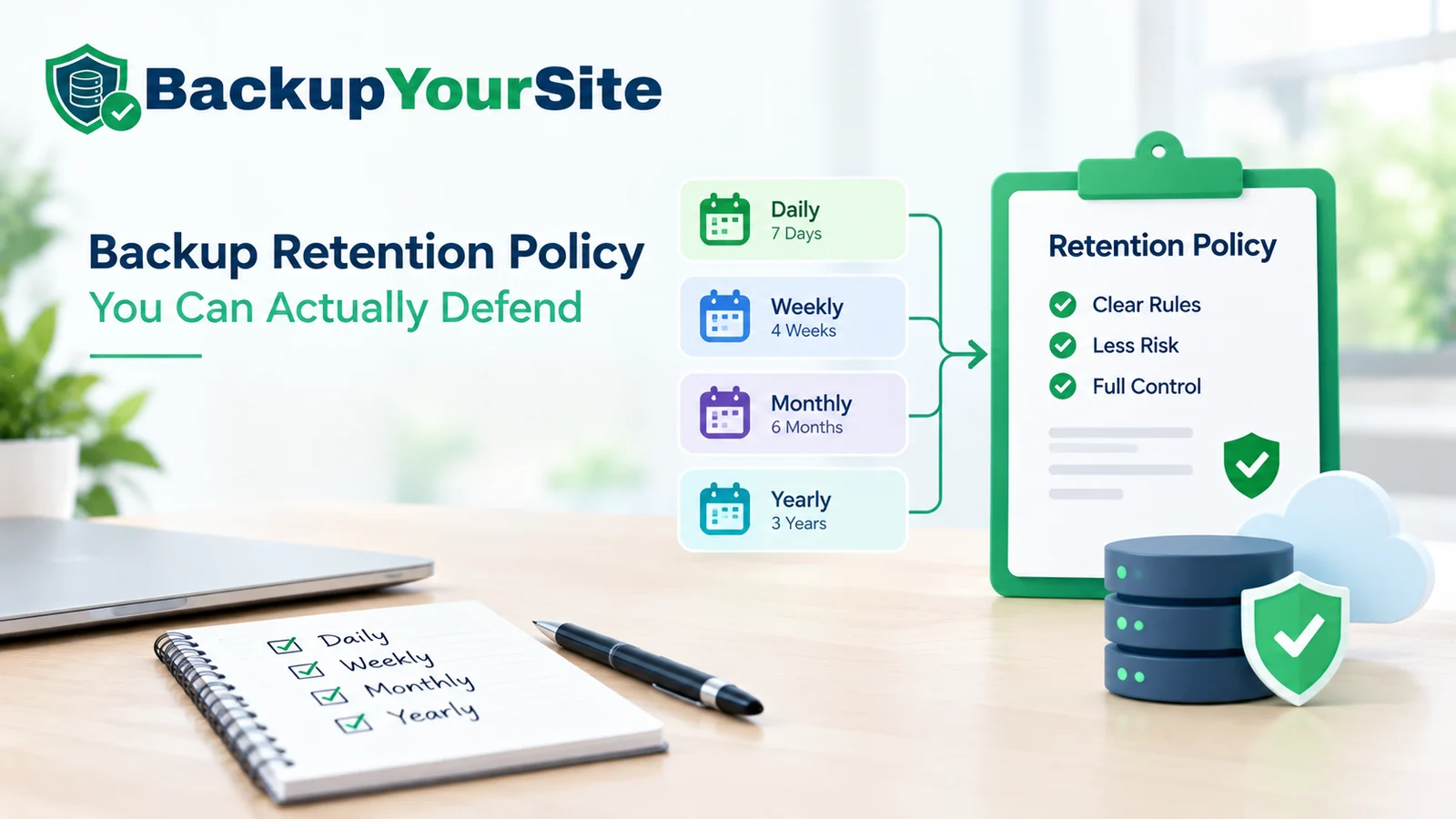
Writing a Backup Policy You Can Defend
A backup retention policy built on detection lag, not storage cost: a GFS schedule, a real storage-cost table, and an 8-clause template you can use today.
Read article →
Backup Schedules That Survive a Quiet Week
Why WP-Cron silently skips backups on quiet sites, the real-cron fix, and how to alert on a missed run before you ever need a restore.
Read article →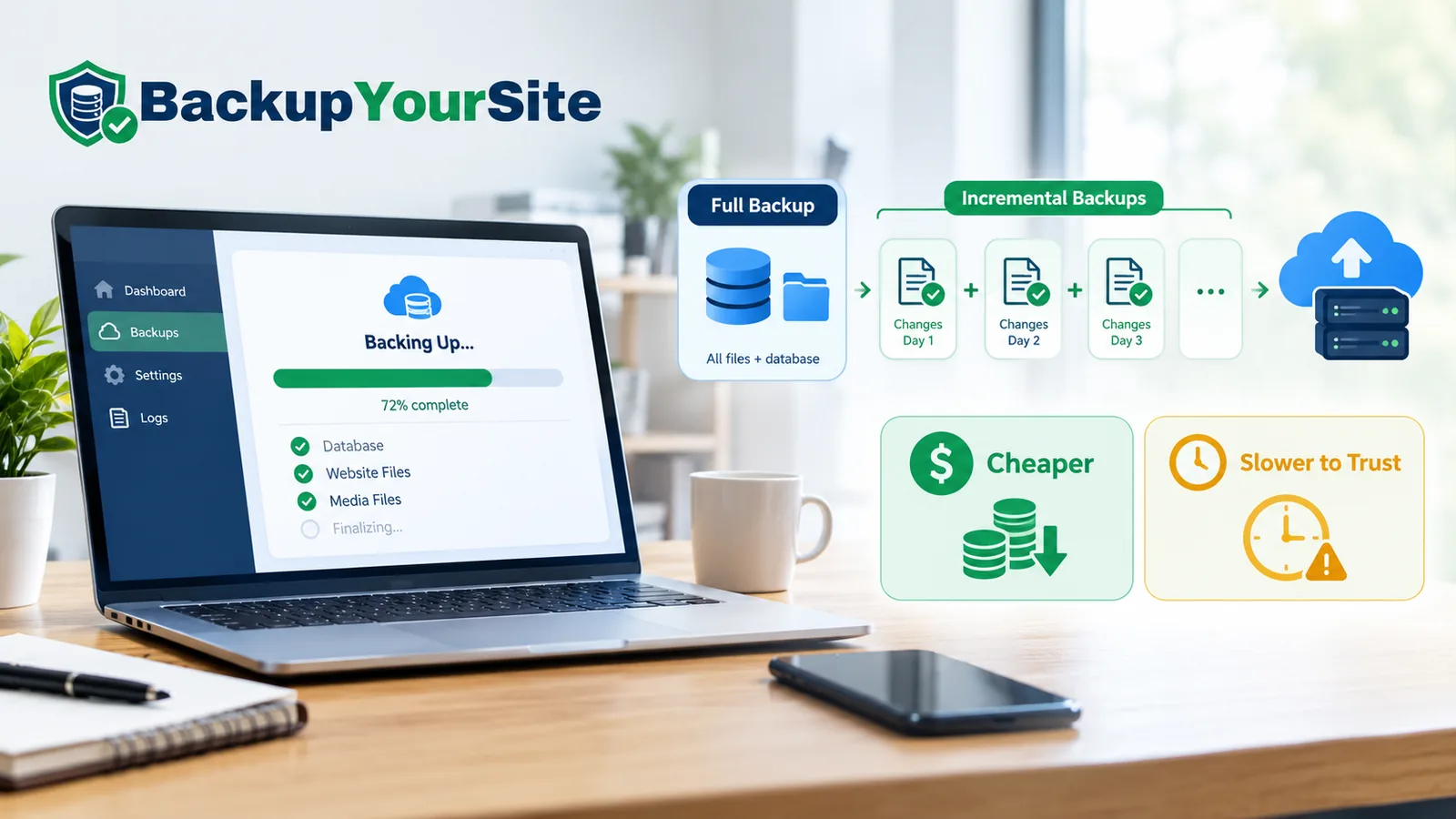
Incremental Backups Are Slow to Trust
Incremental vs full backup: see the real 30-day storage math, restore-time tables, chain-corruption risk, and why synthetic fulls fix the trade-off.
Read article →
A Database Backup Is Only Half a Website
A WordPress database backup only covers half your site. See what it misses, the mysqldump and wp db export steps that stop a torn export, and how to restore.
Read article →
WordPress Staging vs Backup vs Revisions
WordPress staging, revisions and backups solve different problems. See the key differences, the sync mistake that erases live data, and how to avoid it.
Read article →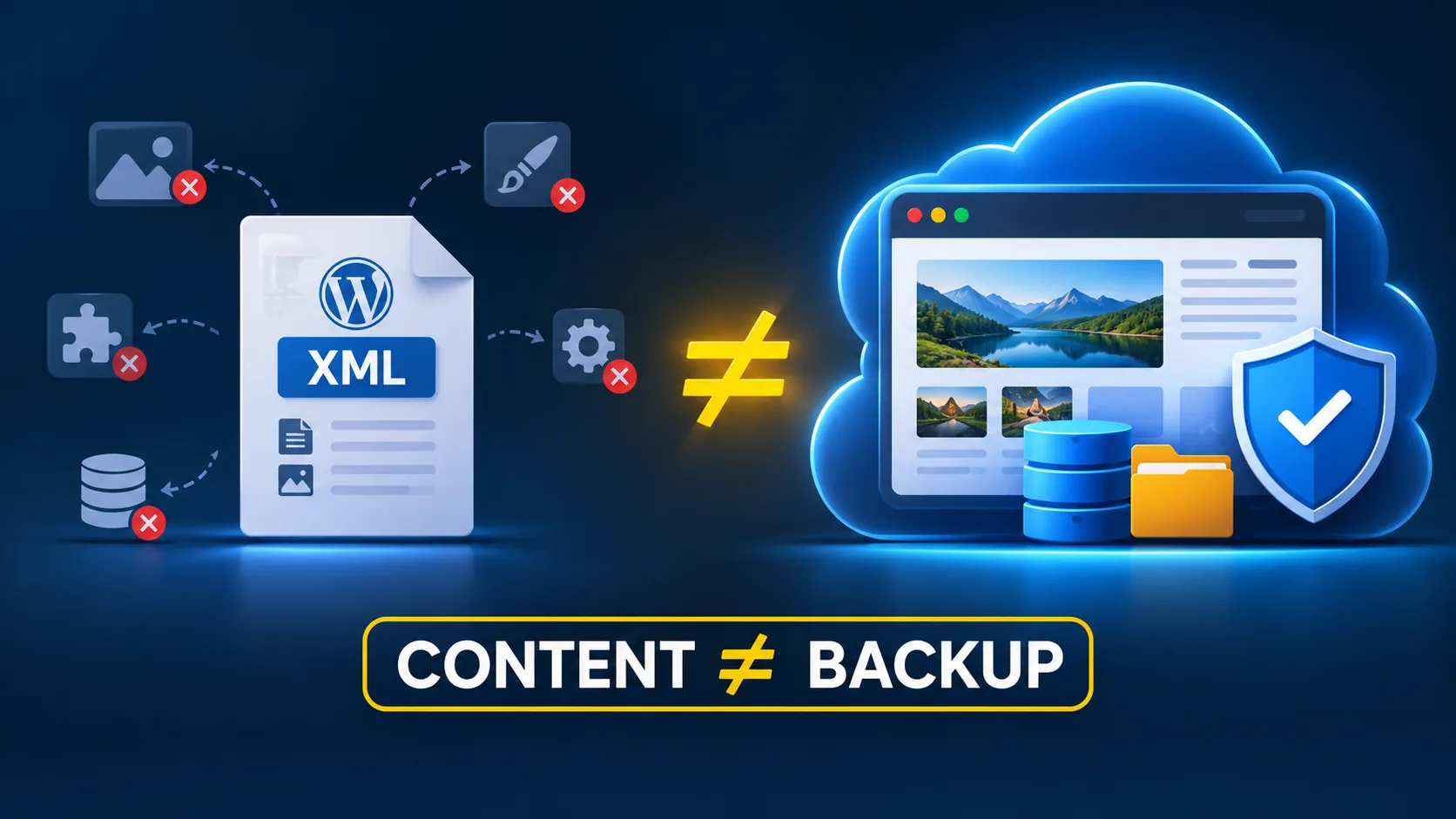
WordPress Export Is Not a Backup
Tools > Export makes an XML file of posts, pages and comments. See what's inside, what's missing (media, plugins, settings) and when it's the right tool.
Read article →
Google Drive Isn't a Backup. It's a Hostage.
Google Drive syncs ransomware over clean files in minutes. See why a WordPress backup to Google Drive fails, and what real offsite backup needs instead.
Read article →
Freelancer's Guide to Backups Without Plugins
How freelance web developers can back up client WordPress sites without plugins, using SSH and offsite storage.
Read article →
Backing Up a Store That Never Stops Selling
A WooCommerce store writes to its database every minute. Here is how HPOS order tables, mid-checkout dumps, and sale-day restores change your backup plan.
Read article →
WordPress Multisite Backup and Network Tables
A multisite backup that misses the shared network tables or a subsite's uploads restores a broken network. Here's what to capture and how to test it.
Read article →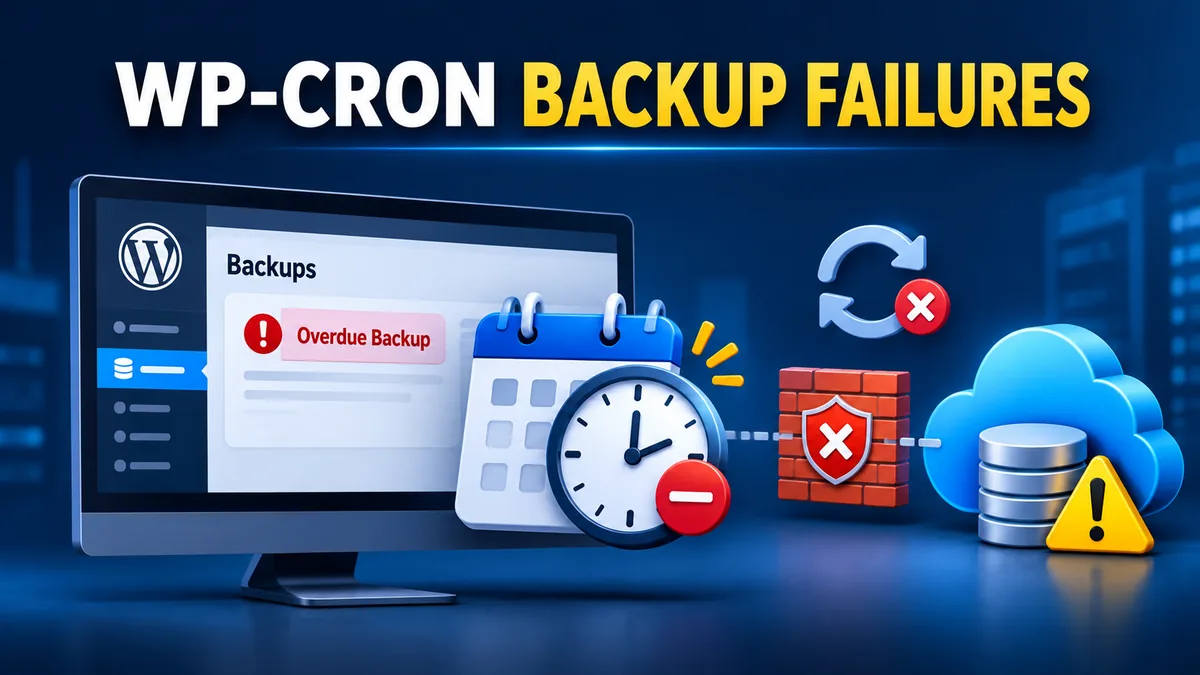
WordPress Backup Keeps Failing? Check WP-Cron
WordPress backup keeps failing or stopped running? It is rarely the plugin. Here are the 7 WP-Cron faults behind it and how to spot and fix each one.
Read article →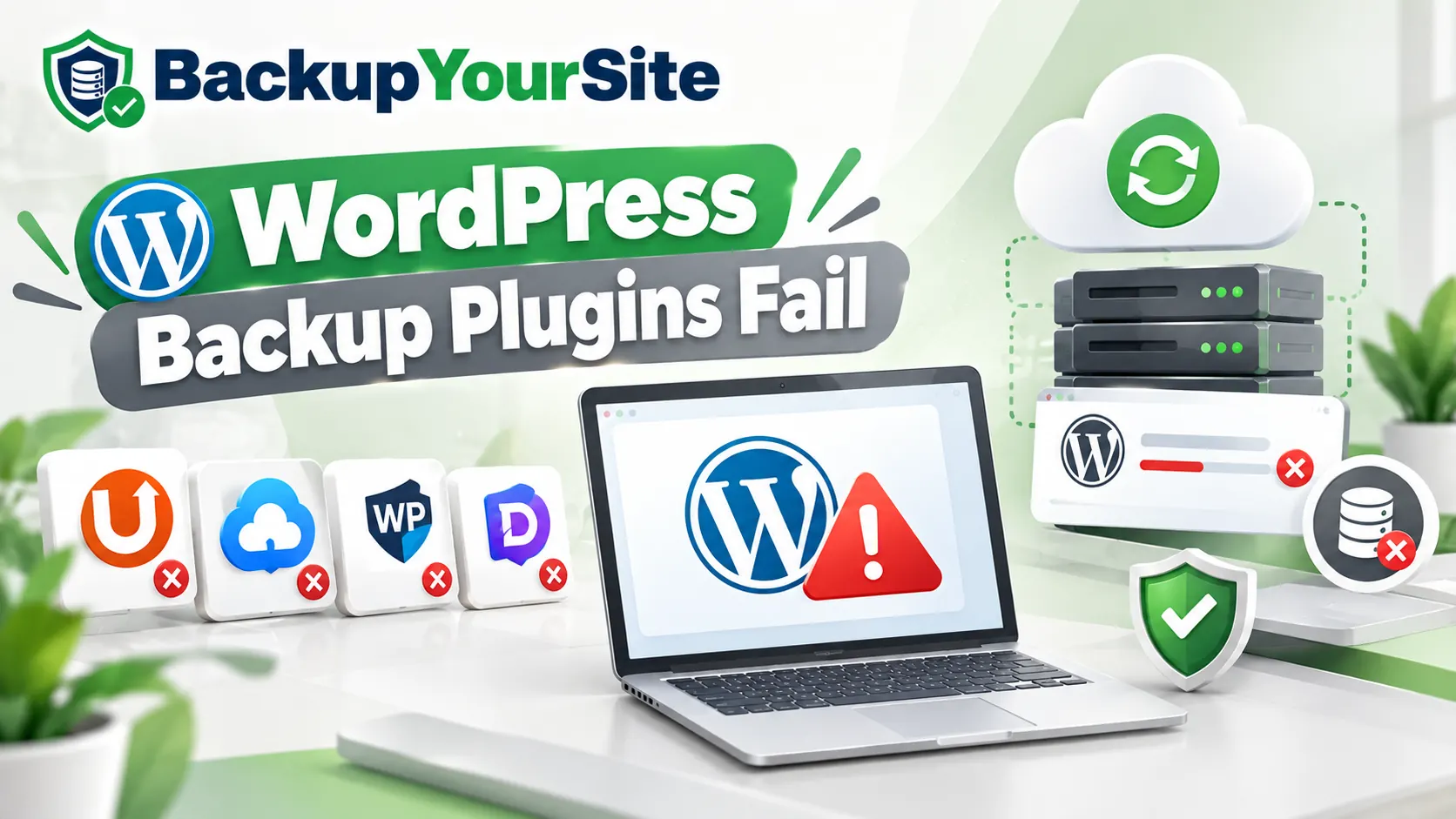
Why WordPress Backup Plugins Fail
Learn why popular WordPress backup plugins often fail and discover more reliable alternatives for protecting your website.
Read article →Want backups that are checked before they count?See how BackupYourSite works.