Restore, Recovery and Troubleshooting
When a site breaks, the order of steps matters. These guides cover what to check first, what to restore (the files, the database or both) and how to avoid making the damage worse.
Several posts are about the step before the problem: taking a backup before a PHP update or a database cleanup, and running a restore drill while nothing is on fire. If the site is down right now, start with Is WordPress Down, or Just Your Site?
Website Down Message: 3 Templates to Copy
Three copy-ready website down message templates for planned, unplanned and restore outages, plus where to post and the 503 status to use.
Read article →
How to Restore a Hacked WordPress Site
How to restore a hacked WordPress site from backup: contain it, wipe it, restore content only, rebuild the code, clear Google warnings, handle infected backups.
Read article →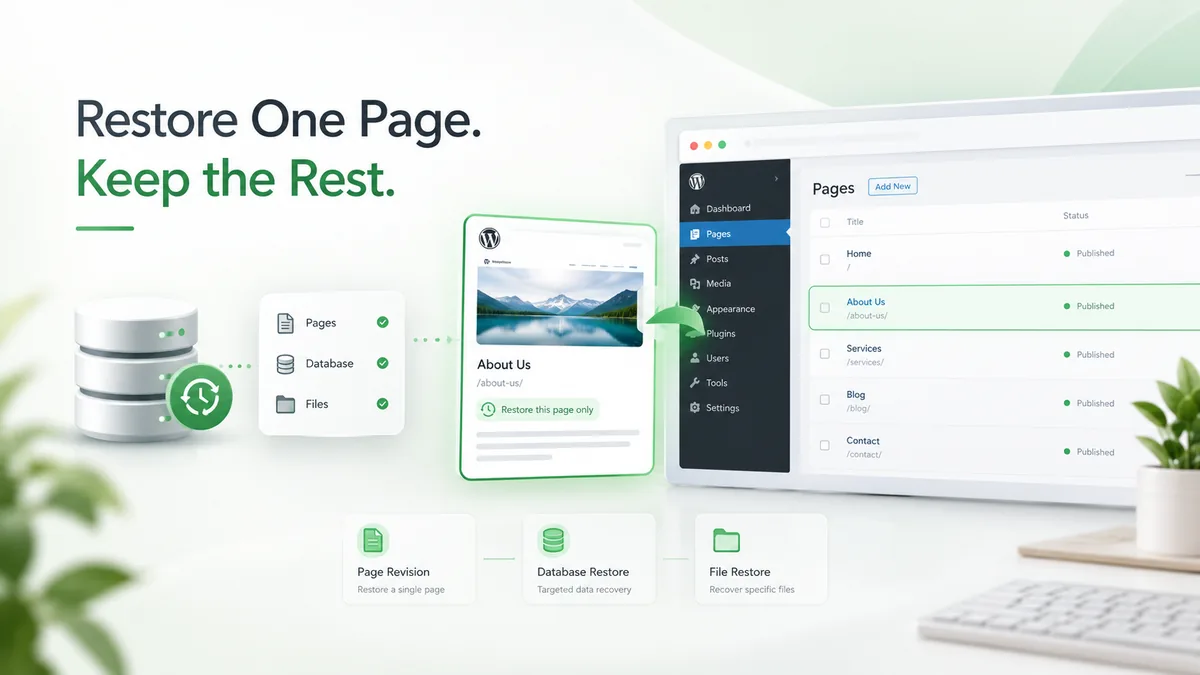
Restoring One Page Without a Full Rollback
Restore one WordPress page from backup without rolling back the whole site — revisions, trash, a targeted database restore, and when the problem is a file.
Read article →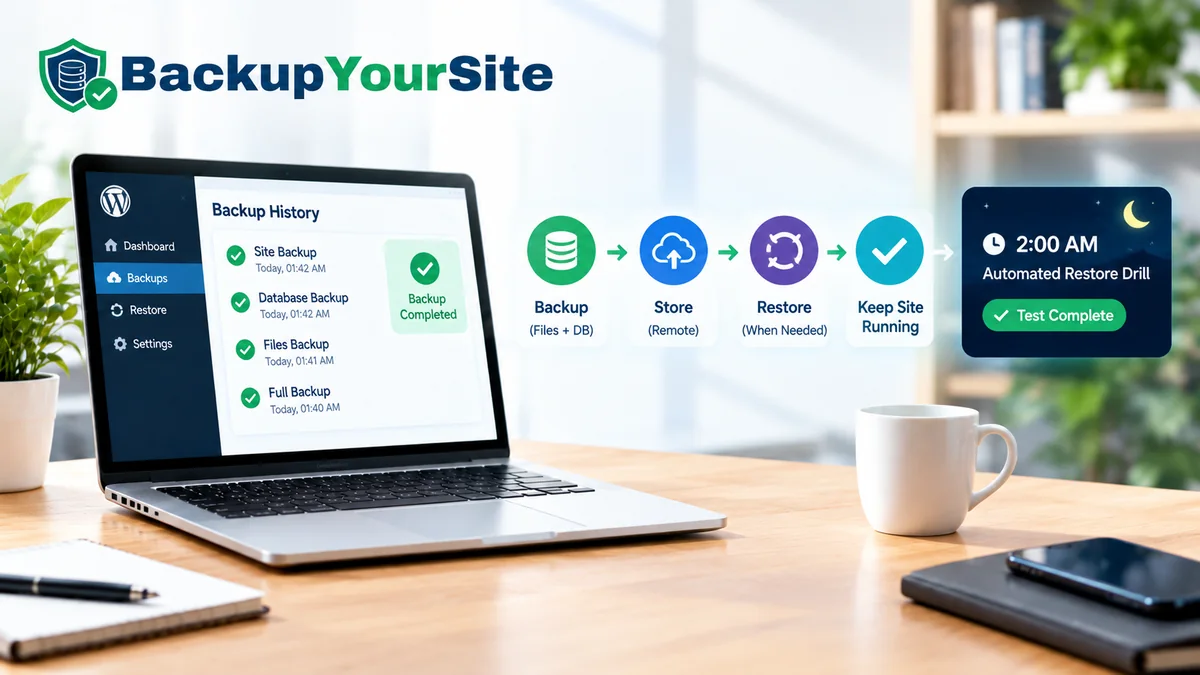
The Restore Drill Nobody Runs Until 2 a.m.
A WordPress restore runbook for the real conditions: site down, admin locked, a four-hour window. Plus the quarterly drill that gives you a real RTO.
Read article →
Is WordPress Down, or Just Your Site?
Is WordPress down, or just your site? A 5-minute triage: WordPress.com vs self-hosted, host and DNS checks, what 503/500 errors mean, and when to restore.
Read article →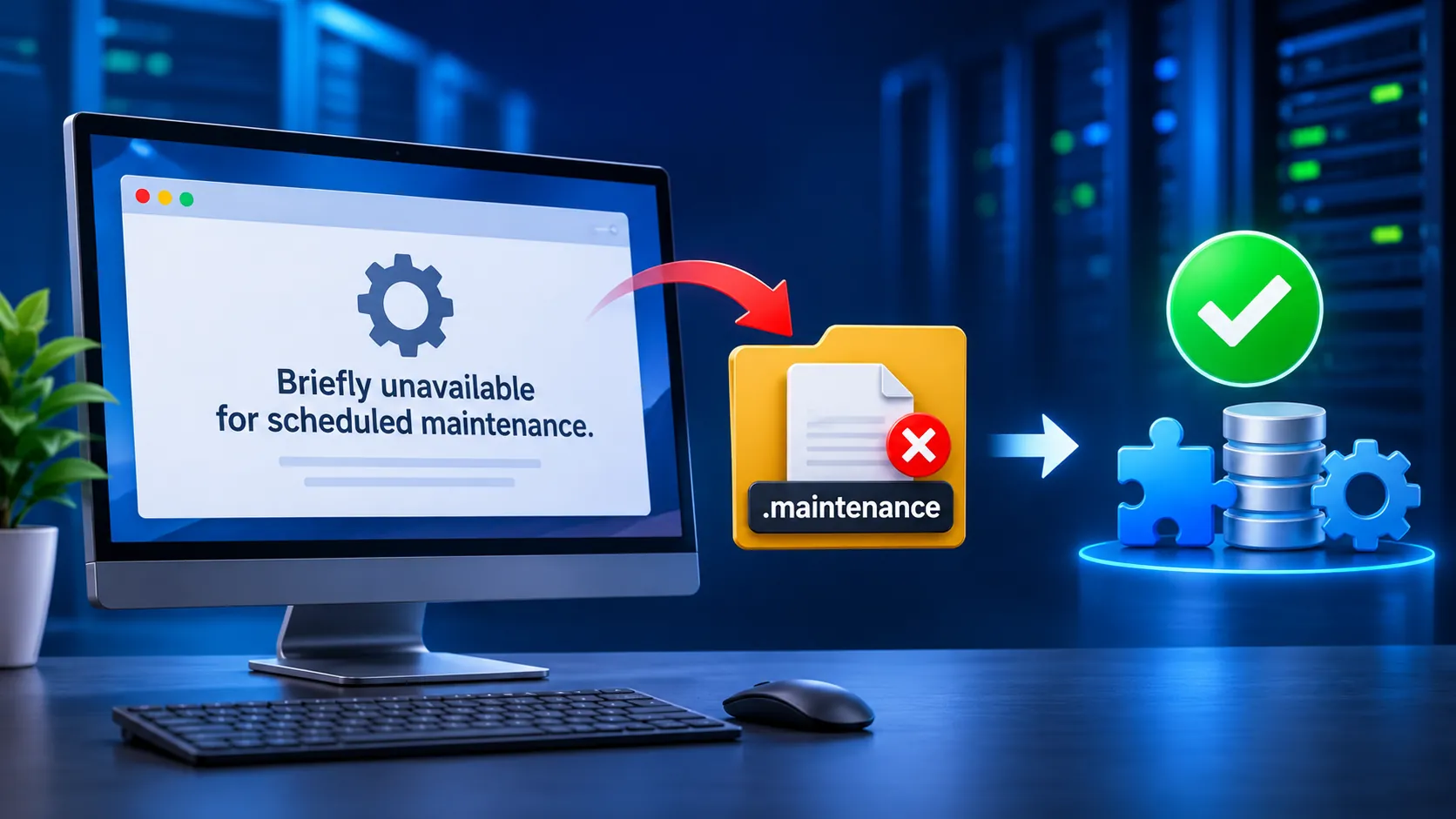
Stuck on 'Briefly Unavailable'? The Fix
Fix 'Briefly unavailable for scheduled maintenance' by deleting the .maintenance file, then check the stuck update finished and roll back if it didn't.
Read article →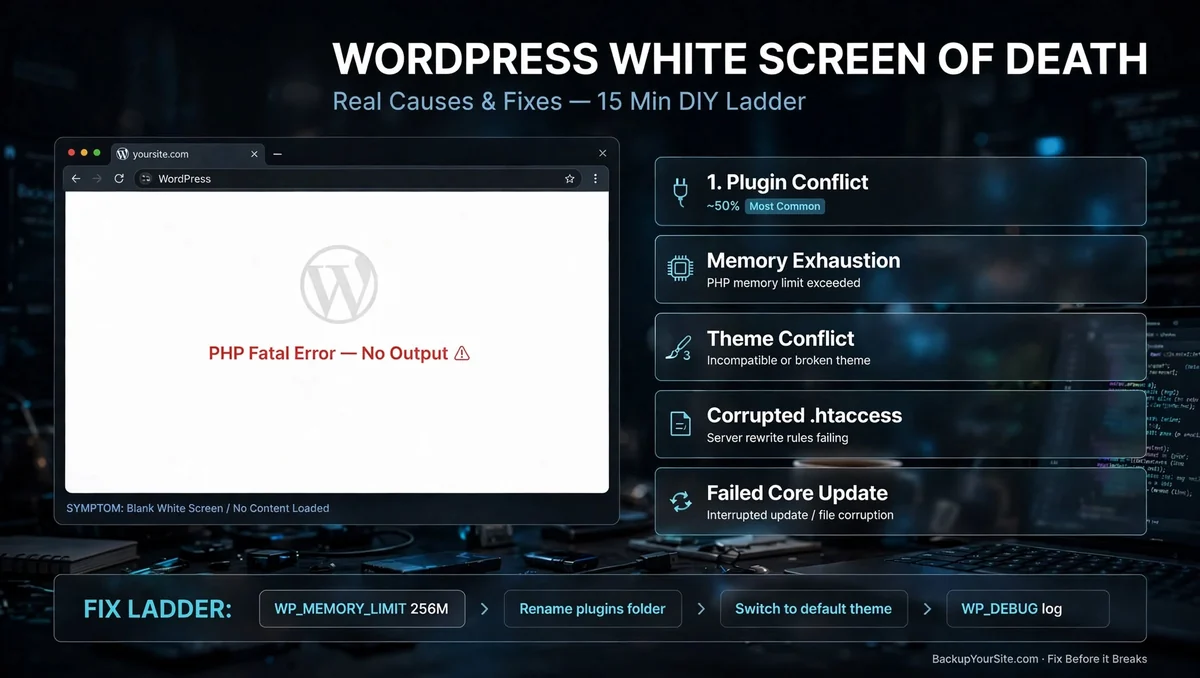
WordPress White Screen of Death: Fixes
Plugin conflict, memory limit, or something worse? Learn to tell the difference and fix a WSOD yourself, or know when a backup restore is the only option.
Read article →
WordPress .htaccess: What Restores Forget
Your WordPress .htaccess holds permalinks, redirects and security rules. See why restores leave it behind, how to check a backup, and the fast fix.
Read article →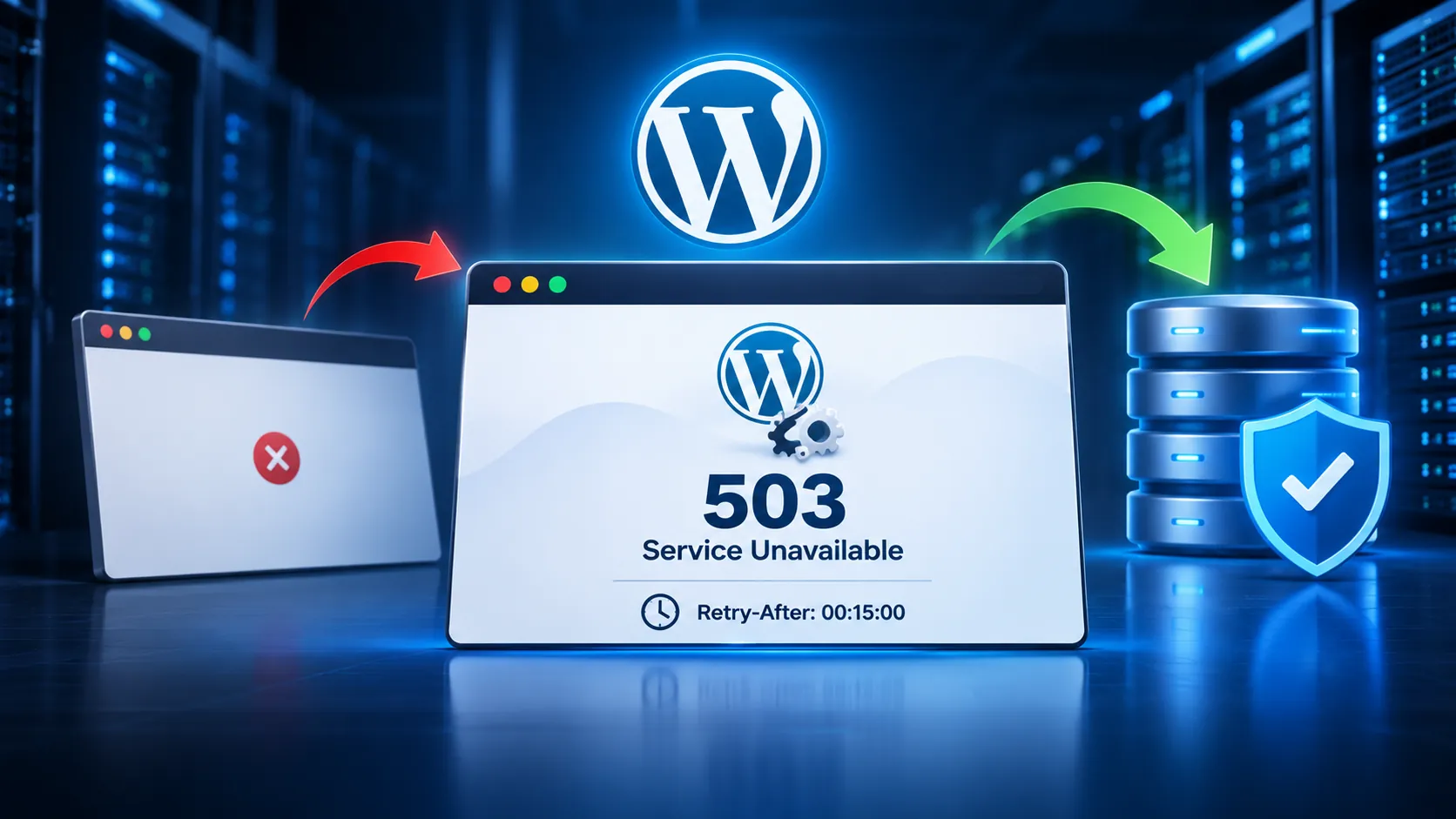
WordPress Maintenance Mode: Use a 503
WordPress maintenance mode should return a 503 with Retry-After, not a 200 page. Three ways to set it up, a curl check, and why the backup comes first.
Read article →
Update PHP on WordPress Safely
How to update PHP in WordPress safely: which versions are supported, what to check first, the backup to take, and what a rollback can't undo.
Read article →
Take a Backup Before a Database Cleaner
A WordPress database cleaner can delete data you can't get back. How to take a verified database backup first, and restore only the database if it breaks.
Read article →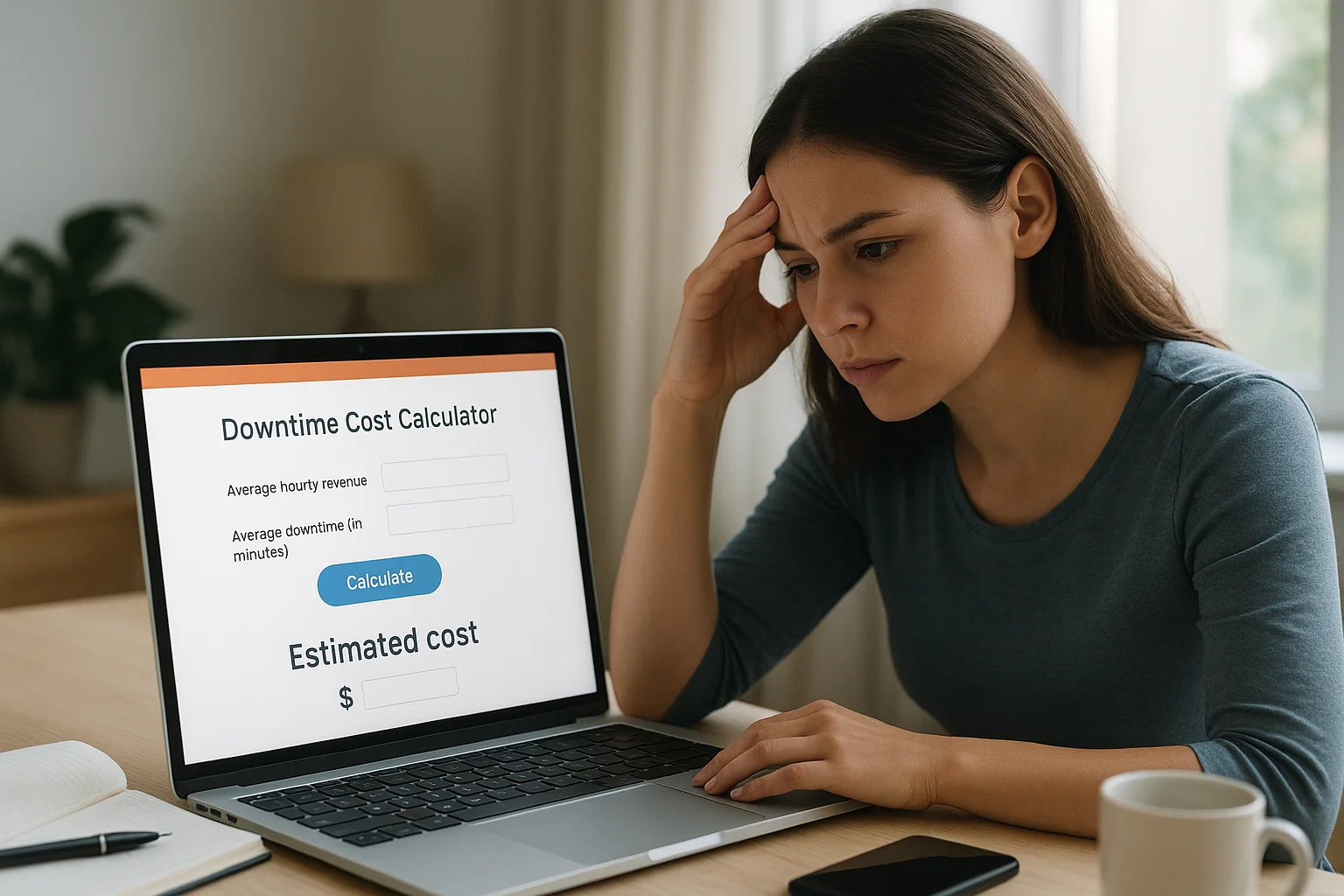
How Much Does WordPress Downtime Really Cost?
See what an hour of WordPress downtime actually costs, and the real driver of that cost: how fast your backup setup lets you recover.
Read article →
WordPress Plugin Supply-Chain Attacks 2026
Protect your WordPress site from supply-chain attacks by keeping backups offsite, away from your main server.
Read article →Want backups that are checked before they count?See how BackupYourSite works.